Smappee EV Wall – Installation manual - English
8. Using the EV Wall
There are three ways of charging using a Smappee EV Wall:
1. Plug and charge: Simply connect your cable and start charging.
2. Swipe and charge: Connect the cable, swipe your card and start charging.
3. Scan and charge: Connect the cable, scan the QR code in the Smappee app and start
charging.
Below you can find the different charging sequences.
Each EV Wall that is installed and activated is Plug and charge. Changing the Session
Activation Method is done using the Smappee Dashboard.
Changing the authentication methods can be done remotely.
Scan and charge and Swipe and charge (with Smappee CSMS) can only be used when a
Smappee Payment Agreement has been signed. Please contact your Business Developer
for more info.
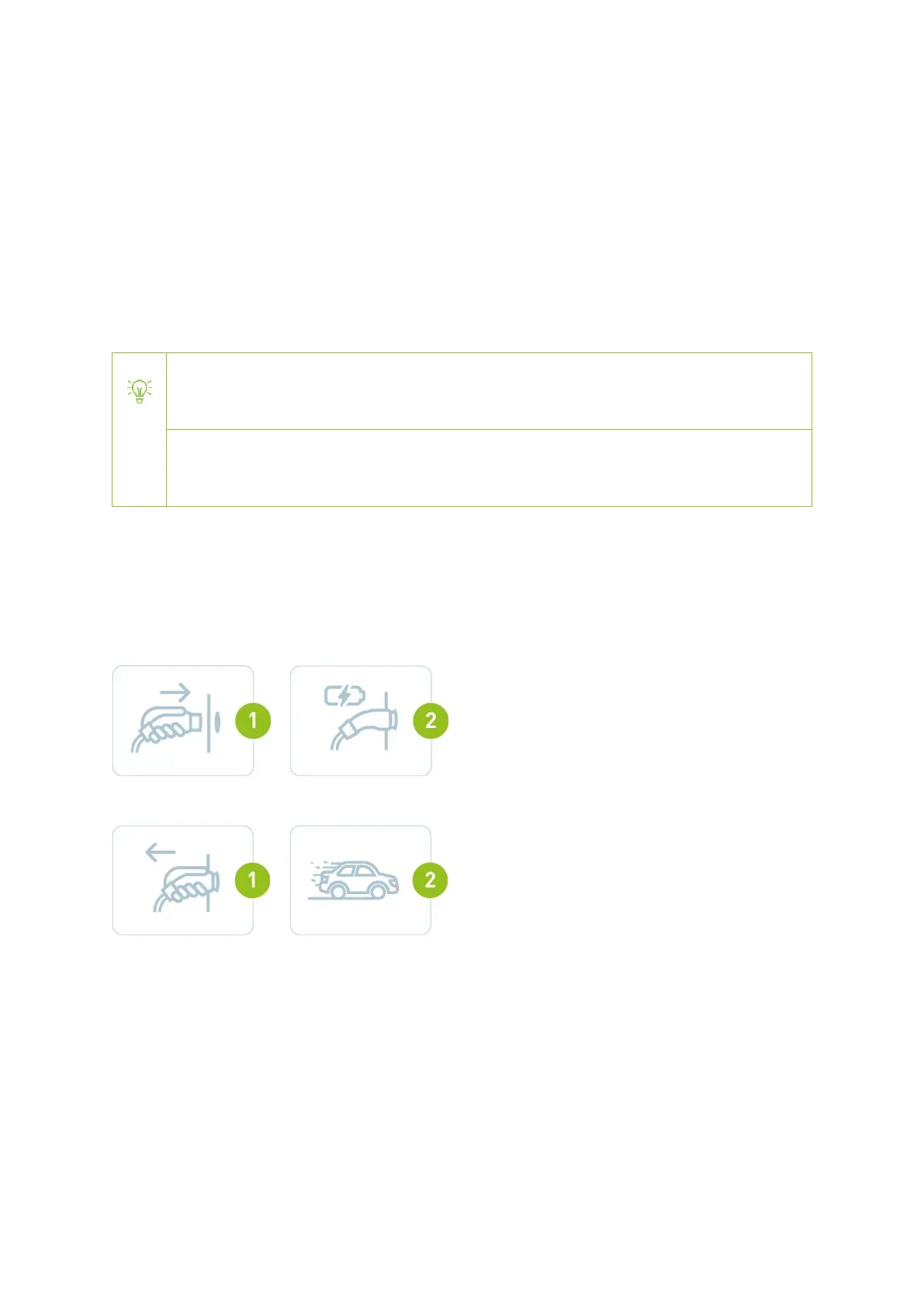
Plug and charge
The charging station is freely accessible without the need to authorize. Anyone can plug their car
into the charger and start charging for free.
Start charging
Stop charging


 To Next Page