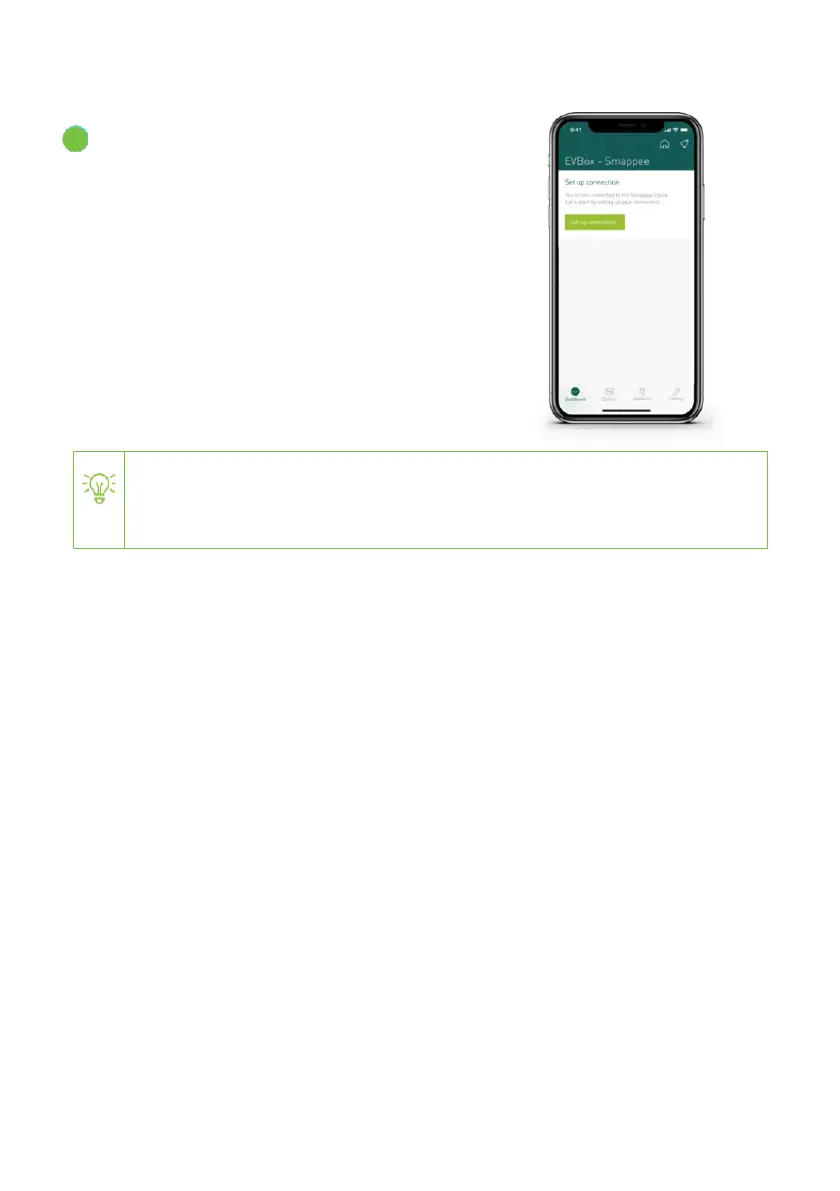
In the app, select Set up connection.
Follow the instructions shown in the app. You
will set-up the following features:
• Internet connectivity - set the Wi-Fi
network to which EVBox Smart Charging
must connect to.
• Overload protection - Enter the
maximum current that the main circuit
breaker can supply.
If a preconfigured Smart Charging kit with Smappee Connect as gateway is
used, the LED will be red breathing if there is no valid connection with the
EVBox charging station.


 To Next Page