Quick Reference
Hardware Basics for Front Projection SMART Board Interactive
Whiteboards
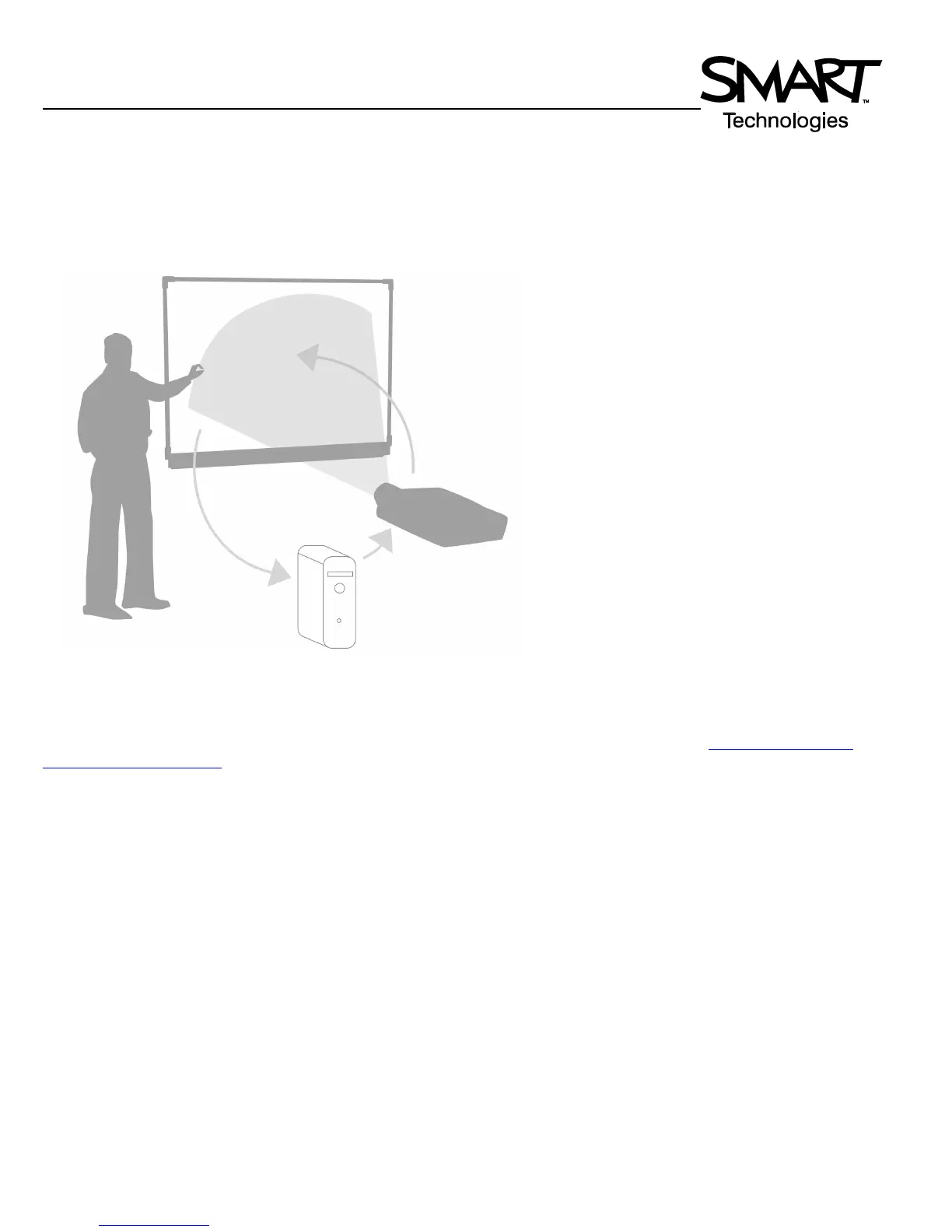
The SMART Board™ interactive whiteboard is touch sensitive and operates as part of a system that includes a computer
and a projector.
It may help you to think of your interactive whiteboard the same way you think of your mouse or keyboard
– it is an input
device that enables you to control applications on your computer. Setup instructions depend on the model of SMART Board
interactive whiteboard. Specific instructions on how to setup your SMART Board can be found at www.smarttech.com/
support/product/index.asp.
The SMART Pen Tray
The SMART Pen Tray consists of four color-coded slots for pens and one slot for the eraser. Each slot has an optical sensor
to identify when the pens and eraser have been picked up. You can write with the pen or with your finger, as long as the pen
slot is empty. The technology in the pen tray is smart enough to know which tool was removed from its slot most recently. If
you remove the eraser from its slot while you are still holding a pen, the pen tray will assume you want to erase. The lights
above the tool slots indicate which tool was removed last.
TIP: If someone accidentally takes a pen or the eraser home, simply cover the optical sensor with a pen lid or a sticky note
to continue using your interactive whiteboard until the tool is returned.
• The computer sends an image of an
application to the projector.
• The projector casts the image onto the
interactive whiteboard.
• The interactive whiteboard acts as
both the monitor and input device,
allowing you to control any application
by touching the screen.



 To Next Page