Hands-On Practice
Testing Basic Functionality on the Microsoft
®
Windows
®
Operating
System
It’s a good idea to test the basic functionality of your interactive whiteboard to ensure all the applications you
will be using to deliver your lesson or presentation are working properly.
1 Using your finger, double-press on the Internet browser icon (e.g., Internet Explorer) to launch the
Internet.
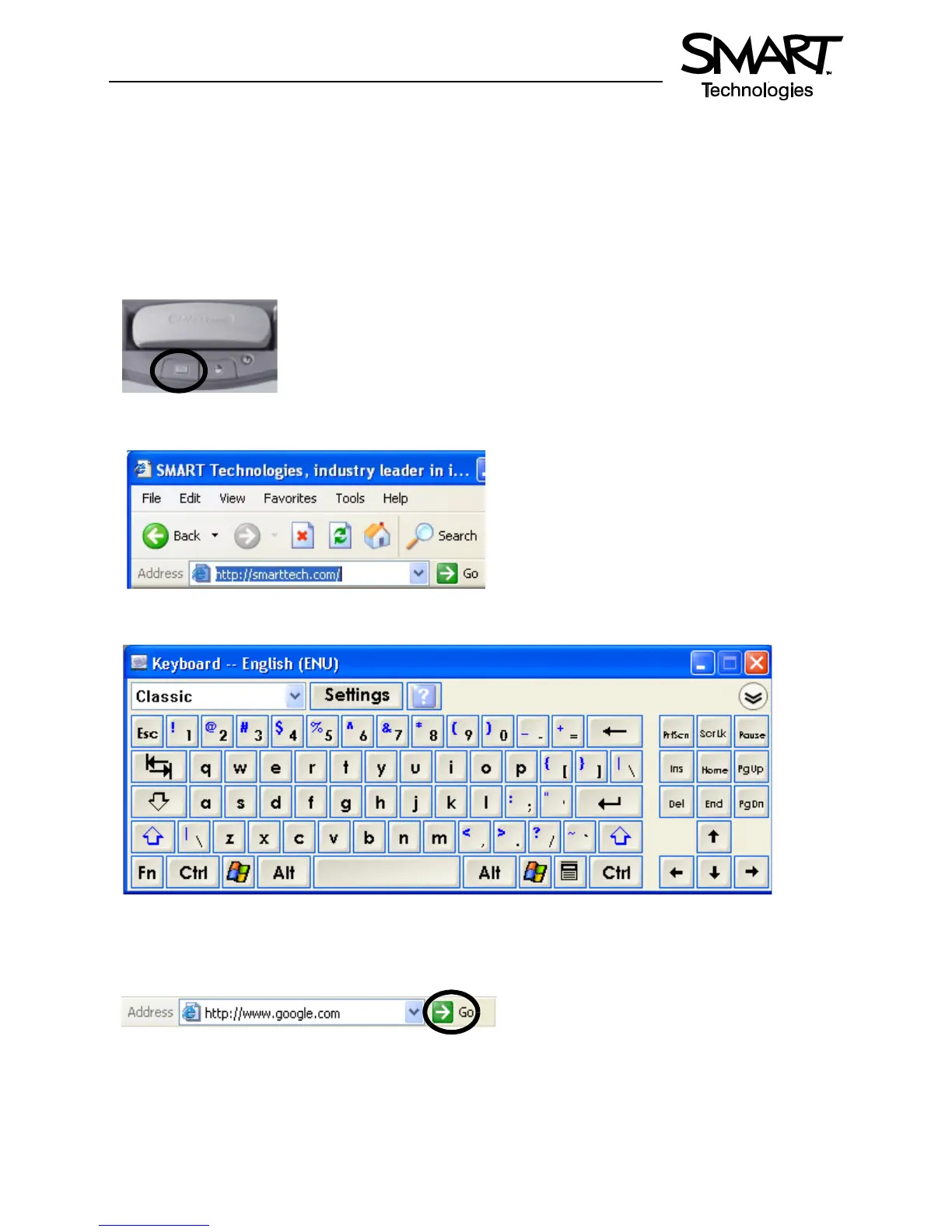
2 Press the On-Screen Keyboard button on the SMART Pen Tray.
3 Press once inside your Internet browser’s address bar to select the website address.
4 Using the On-Screen Keyboard, type www.google.com.
NOTE: The On-Screen Keyboard is a single point of contact; touch-typing or keystroke combinations
are not possible.
5 Press the Go button beside your Internet browser’s address bar.



 To Next Page