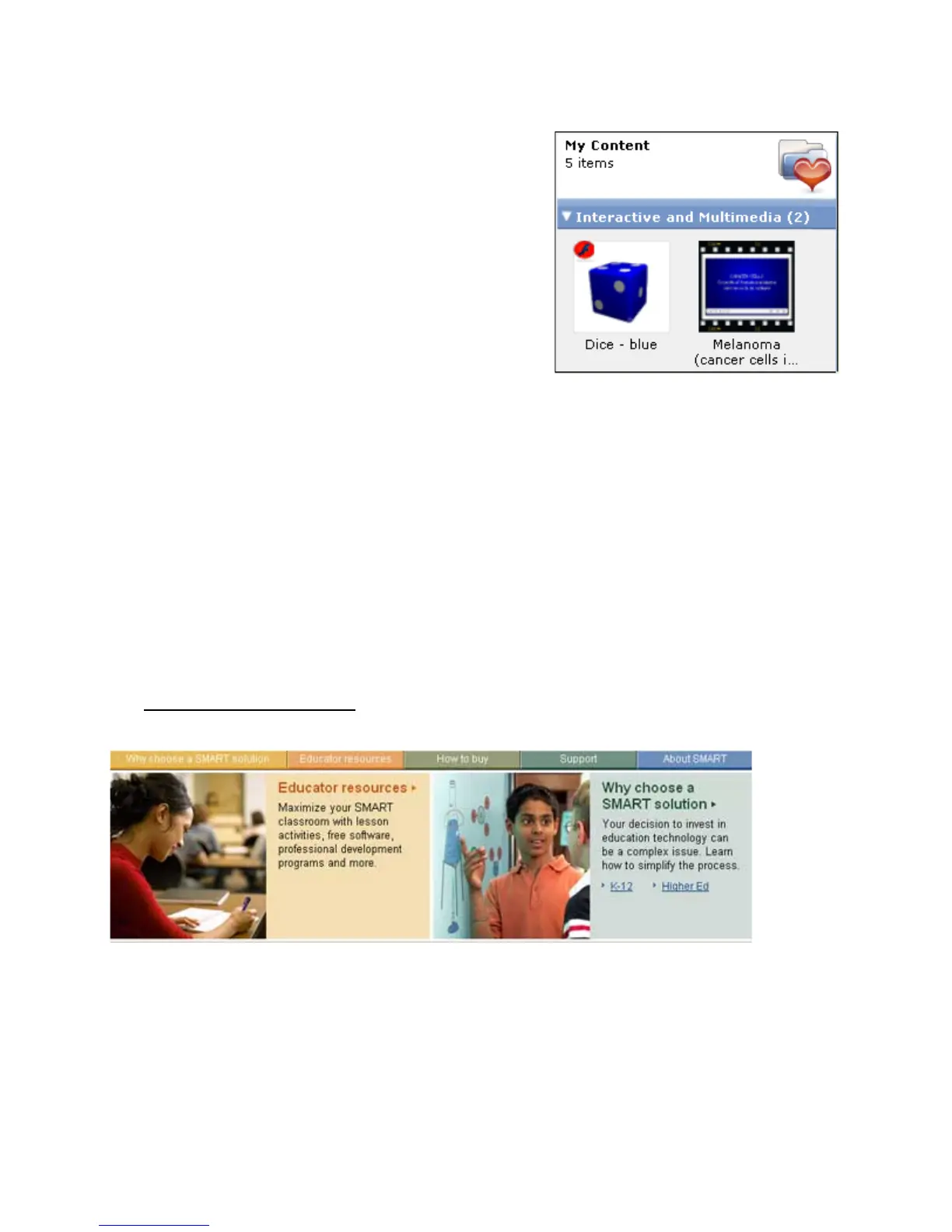
Interactive and Multimedia Content
Video and Macromedia
®
Flash
®
content is easily accessible
from the Notebook software gallery. Video content can be used
to give students an impression of a historical event or to
demonstrate how something moves, such as microscopic cells.
Flash can be used when you want students to interact directly
with a learning object and receive instant feedback.
When you are searching for content related to a specific topic,
Flash and video Gallery items are always located under the
gallery header Interactive and Multimedia.
There are hundreds of Flash and video Gallery items.To browse
through the Interactive and Multimedia content available from
the Notebook software gallery, type video or Flash in the Gallery
search field, and experiment with the Gallery items to learn how you can apply them to your lessons.
Potential pitfalls
Multimedia elements are a popular way to integrate content to your lesson activities that appeal to different
learning styles. These tools are a good supplement to any lesson, but should be used with some restraint.
Filling every page with animations, videos and sound can distract students from the learning objectives and
direct their focus to the technology instead of to the content of your lesson.
Use and experiment with all the tools available to you, but make sure you know why you are using a specific
tool – to meet a learning objective.
Get inspired
Sometimes the hardest part of creating a lesson activity is coming up with creative ideas. One place you can
look for inspiration is SMART’s education solutions website, an online community where educators can
share resources and ideas with other educators worldwide.
Visit www.education.smarttech.com and select Educator resources > Lesson activities to browse
Notebook software lesson activities created by teachers and organized by curriculum standards.



 To Next Page