www.smartdigital.com.au
Edition 1.2
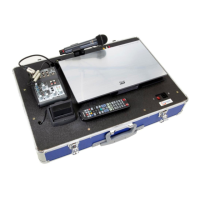
Powering OFF the SmartBox
1. Turn OFF the power switch located directly next to the mains connection to on or (O).
2. Close the preview monitor
3. Disconnect power cable is from the mains connection on the front right hand side of the SmartBox top
panel.
4. Place lid back over box and use latches to secure.
Powering OFF speakers
Turn on each speaker using the switch located on the rear panel of the speaker box (you will need to repeat this for
each speaker)
NOTE: Always ensure speakers are turned off and disconnected from power before disconnecting speaker cables
from either speakers or SmartBox.
Remove speaker cables and power cables from speakers and Smartbox, roll up and place neatly in a box together
for ease of access and set up at your next use.


 To Previous Page