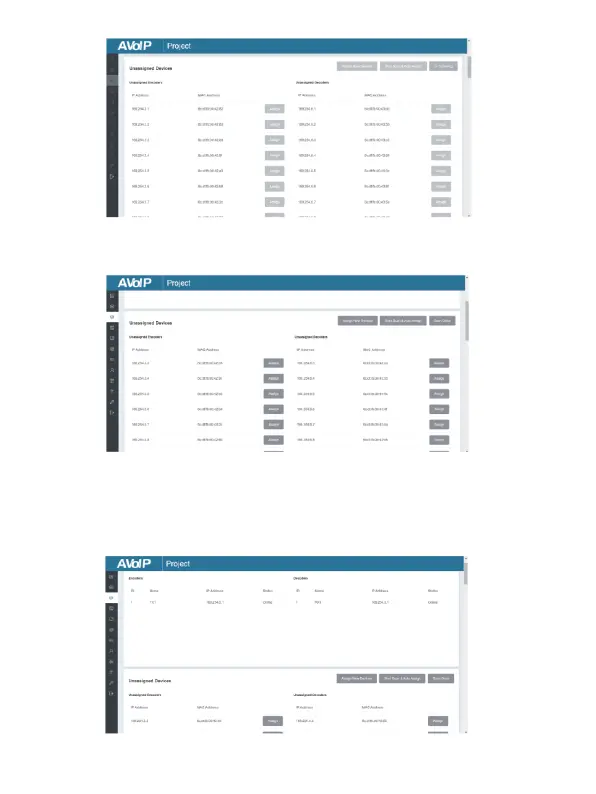
After scanning is complete, the “Assign” buttons become Unassigned
Encoders and Unassigned Decoders in the figure below:
At this time, you can click the “Assign” button behind each unregistered
Encoder or Decoder to add the device to the project one by one.
Encoders and Decoders that have been added to the project will
appear in the Current Devices list, as shown in the figure below.


 To Next Page