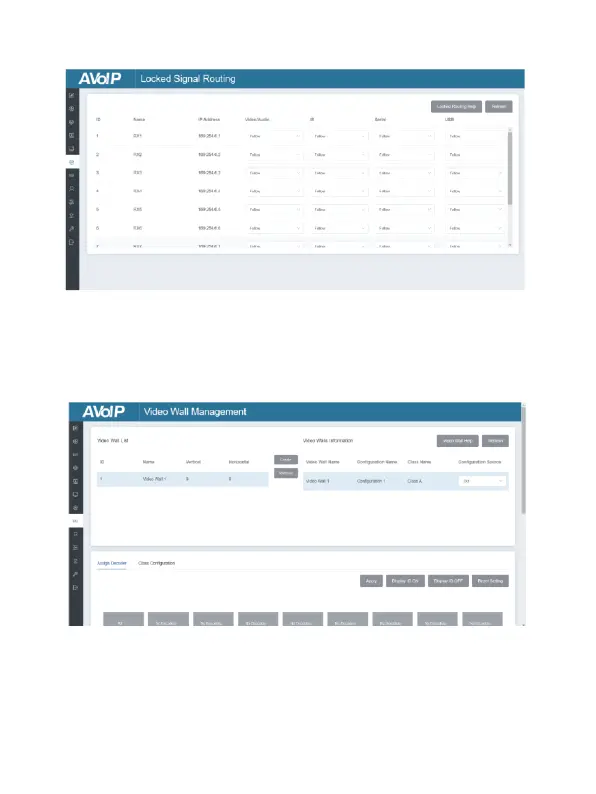
■ Locked Signal Routing Page
On this page, you can independently route the different signals between
Encoder & Decoder devices. Please click “Locked Routing Help” for details.
■ Video Wall Management Page
On this page, you can create and configure video wall as required.
Please follow below steps to create a video wall.
Step 1: Click “Create”, a pop-up window will be shown as below:


 To Next Page