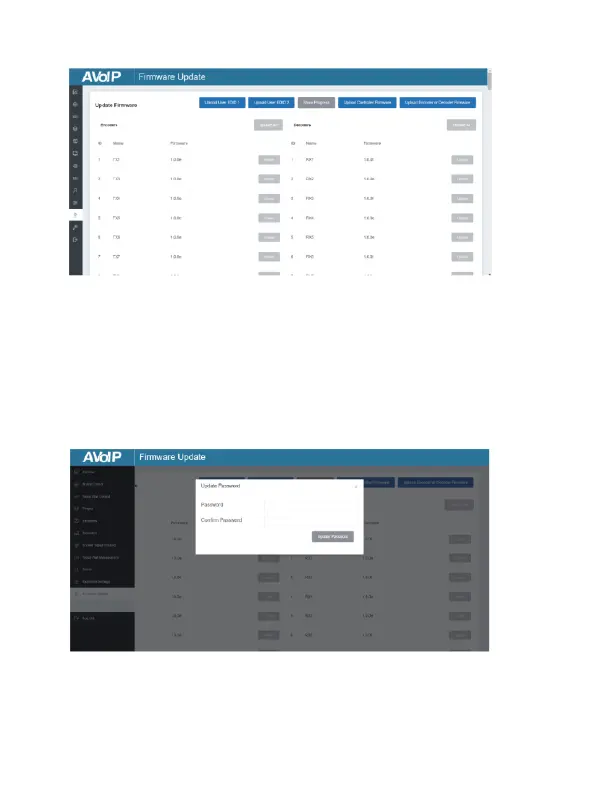
■ Firmware Update Page
On this page, you can separately update the firmware of any
Encoder/Decoder by clicking the corresponding “Update” button on the
right, or update all the firmwares of Encoder/Decoder simultaneously by
clicking the corresponding “Update All” button. Also you can update the
Controller firmware by clicking
the “Update Controller Firmware” button.
■ Password Update Page
On this page, you can change the password. Note that after changing, it
will skip to the Web browser home page or the Web GUI login interface
automatically. You need to log in the Web GUI again with the new
password.


 To Next Page