-9-
Powering Up
1. Inspect the power cable for damage. Ensure that the
cable will not interfere with the moving gate or the
drive unit.
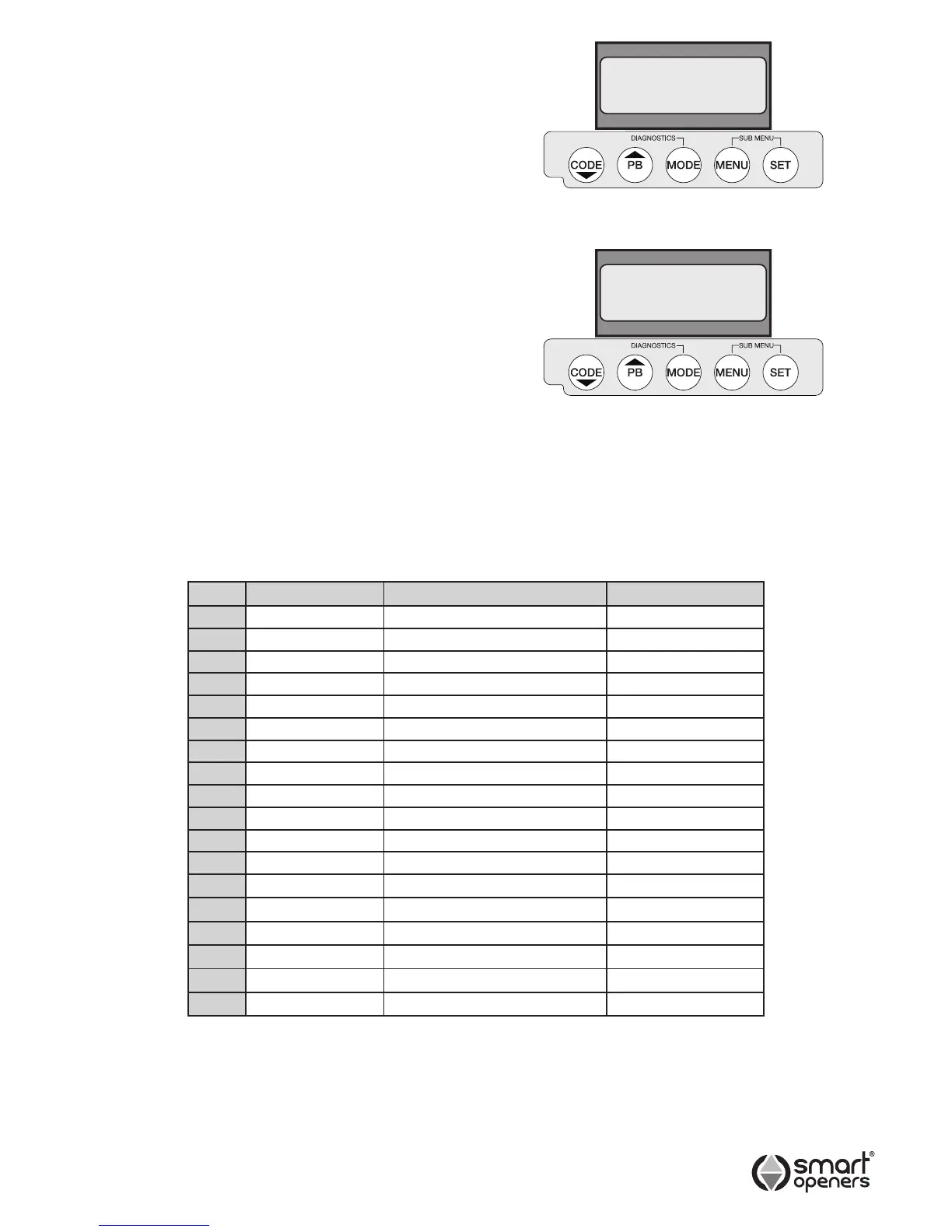
2. Connect to power. The opener will perform a software
check before displaying the rmware version (Fig. 5).
3. The LCD will then display Positions Not Set (Fig. 6).
Menu Navigation
l
Use the CODE button to cycle up through menu
preferences and parameters.
l
Use the MENU button to cycle through menu
preferences and parameters.
l
Press the SET button to conrm selection and move to
the next menu item.
l
Pressing MODE at any time will store changes and exit
to main screen. To enter set up again press SET.
Menu Quick Reference Guide
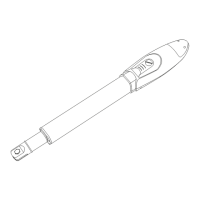
Use the table below as a reference to guide you through
the menu system and parameters.
Menu Item Factory Default Options
1 Installation Right Hand Right/Left
2 Motor Single Motor Single/Dual
3 Pedestrian Mode Off On/Off
4 Lock Pulse Pulse/Hold (Magnetic)
5 Obstruction Setting 03 00 – 09
6 Open Speed 80% 50%-100% (by 5%)
7 Close Speed 50% 50%-100% (by 5%)
8 Motor Delay On (only for Dual Motor) On/Off
9 Photo Beam Off On/Off
9.1 PE Close Off (only for Photo Beam Mode) On/Off
9.2 Sequence Mode Off (only for Photo Beam Mode) On/Off
10 Auto Close Off (only for Photo Beam Mode) On/Off
10.1 Time Delay 30 secs 5-400 secs
10.2 PED Close Off On/Off
10.3 PED Time Delay 30 secs 5-400 secs
11 Transmitter Button PB=1 PD=4 PB, PD, OP, CL
12 Hands Free Learn On On/Off
13 Power Save Mode On On/Off
© March 2008 Smart Openers Pty Ltd
Smart Openers
SC Vx.xx
Positions
Not Set
Fig. 5
Fig. 6


 To Next Page