7 | Page
Screen Share
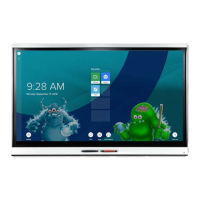
Tap the screen share icon on the IQ home page to launch the app. Up
to two devices can mirror to the display at one time. First, make note of
your displays host name.
Chromebooks: Launch the Chrome browser, click
“settings” and then click “cast.” Under “Cast to”
choose either “Cast Tab” to cast the current browser
tab or choose “Cast desktop” to cast the entire
desktop to the display. Choose your display from the
list and click “Share.”
iPads: Swipe up from the home screen to bring up a
context menu. Tap “Airplay
Mirroring” to bring up a list of Airplay
compatible devices. Tap your display
to begin mirroring. Tap the “Airplay
Mirroring” icon again to stop the
Airplay session.









 To Next Page