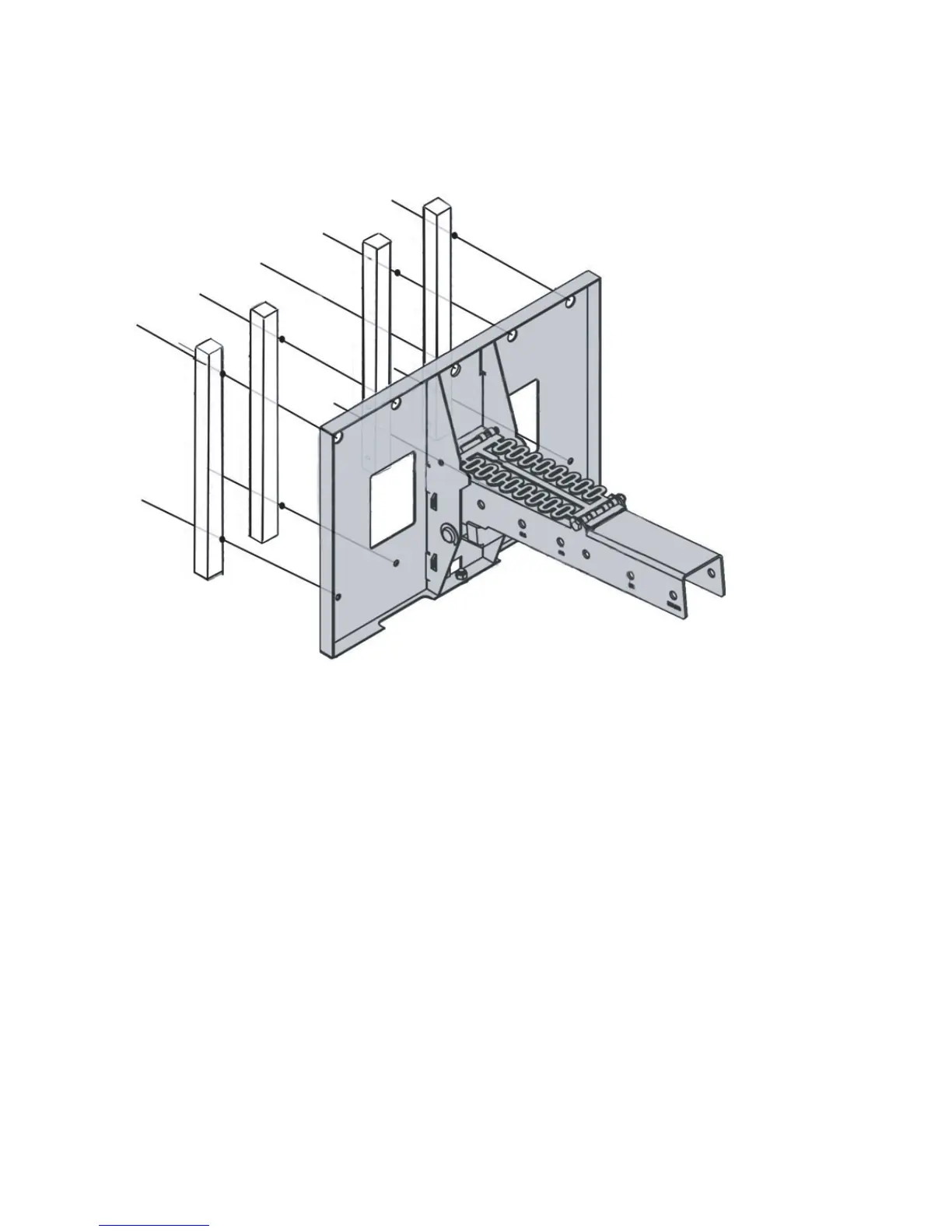
Guidelines for Installing Interactive Whiteboard 600i system with K.O.H. Rail
system
Proceed to Installation (continued from page 2)
page 3 of 3 K.O.H. installation manual for SMART 600i
K.O.H. MOUNTING STRIPS/SPACERS FOR 680i3
3. Measure 3” from the top of the SMART board’s frame and mark it. This marks the
bottom where the KOH mounting block will be positioned/installed.
4. Attach SMARTs’ “mounting plate” using appropriate long screws or bolts (not
included in KOH kit).
5. Drill holes in the wall for the 2 holes on the side.
6. Mount the assembly on the wall with the bottom of the Smarts’ “mounting plate”
at the 3” mark. If you are mounting on a framed wall, mount one (1) of the
two (2) spacers in the center to a stud.
7. Proceed using SMART’s regular instructions for the 600i system.



 To Previous Page