Introduction 1
Introduction
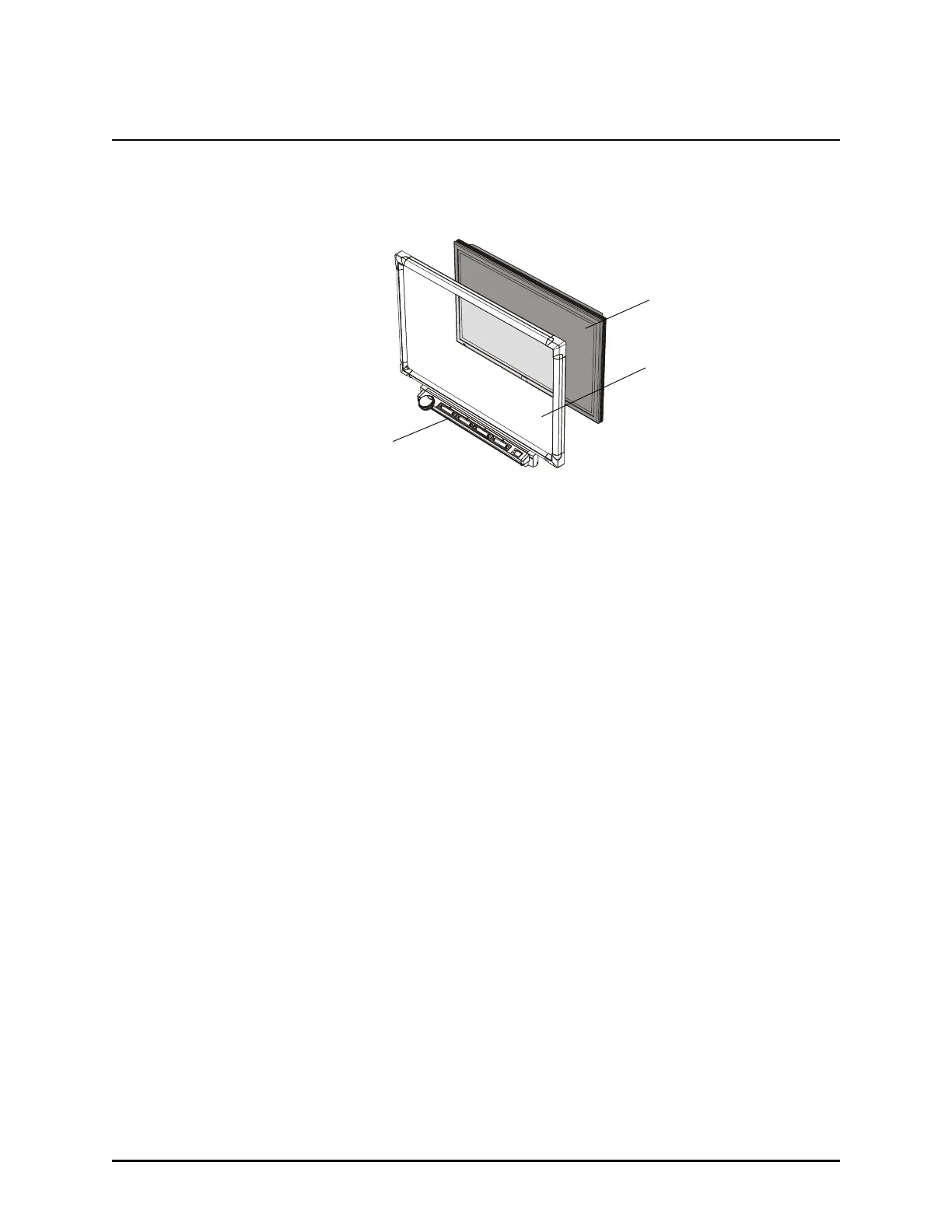
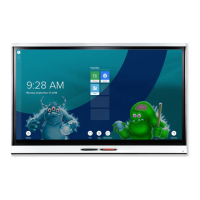
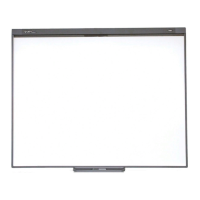
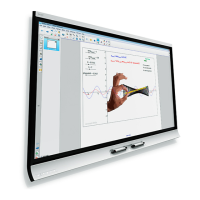
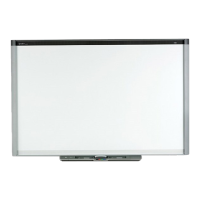
The SMART Board for Flat-Panel Displays interactive whiteboard adds touch-screen control
and writing capability to your flat-panel display while only minimally increasing its depth.
Interactive Whiteboard and Flat-Panel Display
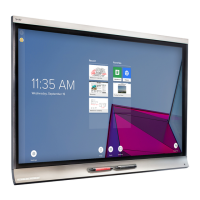
The SMART Board for Flat-Panel Displays interactive whiteboard includes an overlay, SMART
Board software and a pen tray equipped with an eraser and color pens. With these tools, you
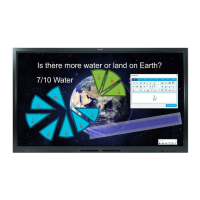
can write over the on-screen image by simply picking up a pen and writing on the overlay.
NOTE: Alternatively, you can order a controller instead of the pen tray. You won’t have access
to the pen tray tools, but you’ll still have touch control and you can use the many features of
SMART Board software to create written notes.
Interactive Whiteboard Technology
When you’ve installed the interactive whiteboard, you can view the flat-panel display’s image
through the interactive whiteboard and you can control any displayed computer application by
touching the overlay.
The interactive whiteboard includes DViT™ (Digital Vision Touch) technology, which uses
digital cameras to track objects that interact with the overlay. Each camera is calibrated to
recognize the position of a pen tray tool or your finger on the interactive whiteboard. The
camera then translates that position into coordinates and sends those coordinates to the
computer.
About This Guide
This guide shows you how to install your interactive whiteboard. For operating instructions,
refer to the SMART Board Software User’s Guide or the extensive Help that comes with
SMART Board software.
Your Flat-Panel Display
Interactive
Whiteboard
Pen Tray





 To Next Page