EasyManua.ls Logo

SMART U100 - Page 18

SMART U100
33 pages
Print Icon
To Next Page IconTo Next Page
To Previous Page IconTo Previous Page
Loading...
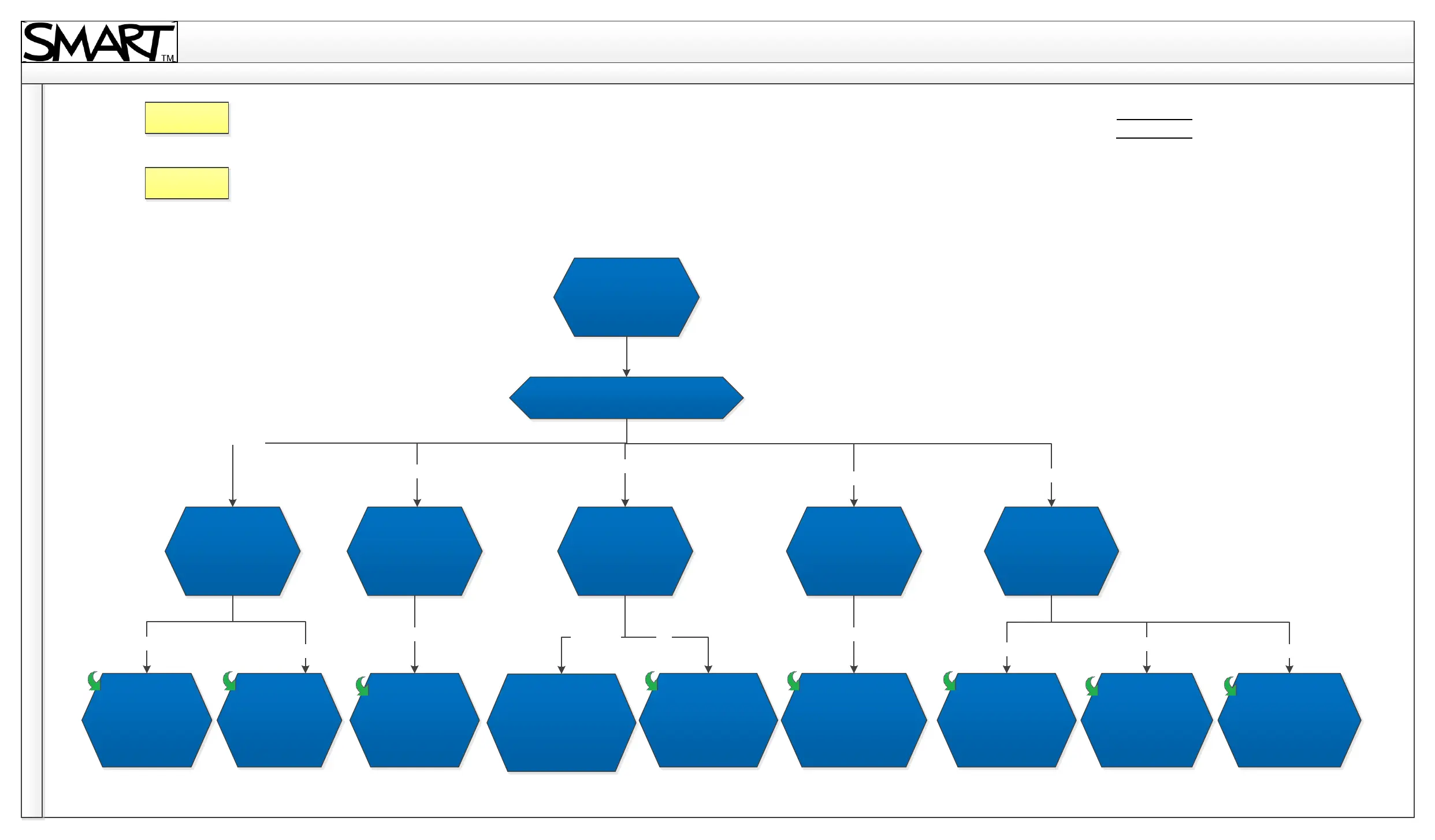
U100 Troubleshooting Diagram
5. Power and other
No display
What is the power LED light status?
What is the
status of the
Diagnostics
LED?
What is the
status of the
Diagnostics
LED?
What is the
status of the
Diagnostics
LED?
What is the
status of the
Diagnostics
LED?
What is the
status of the
Diagnostics
LED?
Projector is in
standby mode
Lamp error
Unit cooling
down
Unit is running as
expected
The projector is
preparing to turn
on
Unit does not
have sufficient
power or is not
plugged in
Error (fan/
colour wheel
failure)
Temperature limit
exceeded
Off
Flashing red
Off
Off
Back
Home
Solid amber
Flashing amber
Solid green
Flashing green
Off
Off
Solid red
Flashing red
Off
Revision History
Contact Support
Lamp is nearing
end of life. Replace
lamp soon.
Solid Red

Related product manuals