Chapter 2: Installation
Connecting the RS232 Devices
The SuperMatrix enable to connect any remote device to any source with RS232
For example a computer sending video to remote TV can also send command to the TV to
change channel, volume or input at the TV
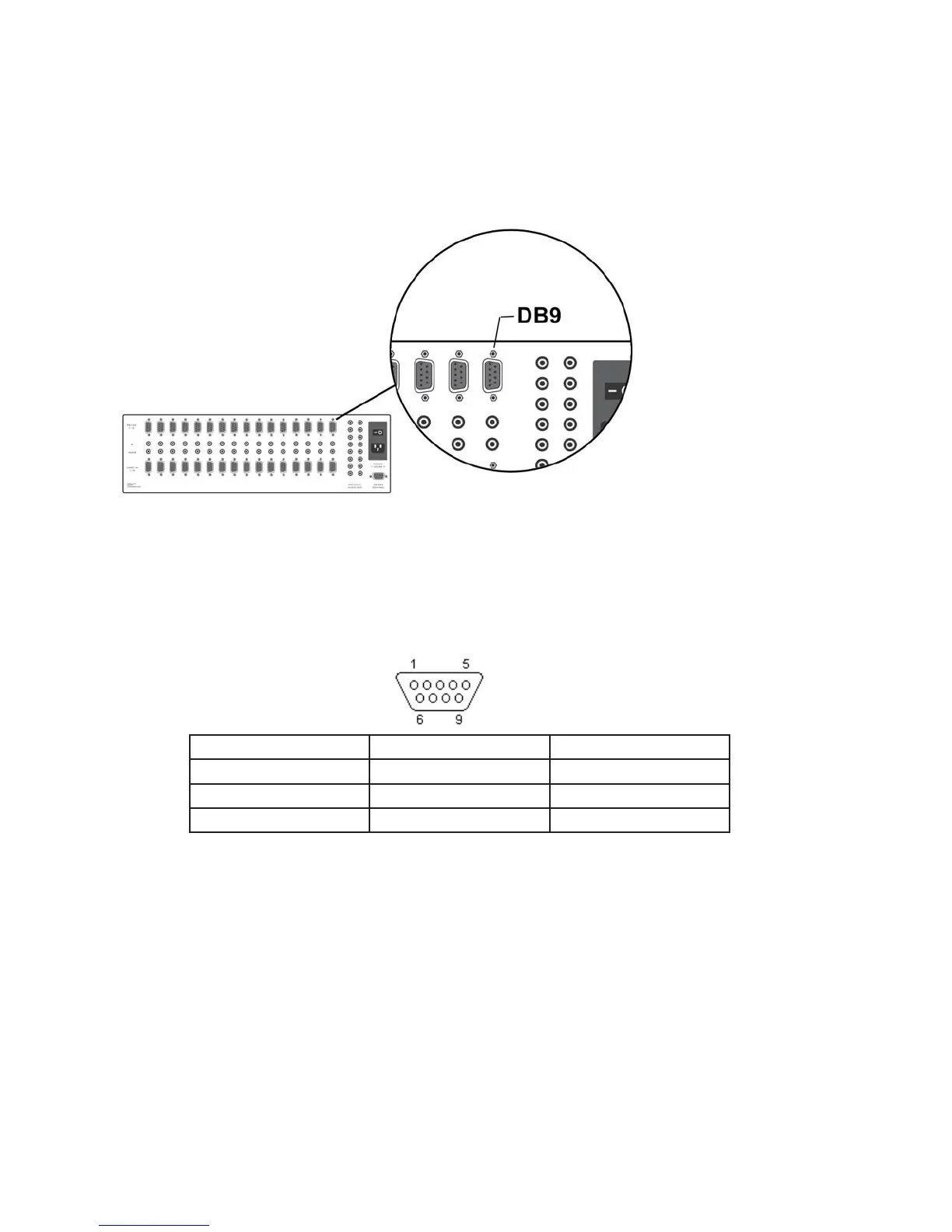
The SuperMatrix Have 16 port RS232, each port is completely transparent and can send any baud
rate up to 115,00kbs
DB9 serial (RS232) port. Pinout and signals for the PC RS232 connector
DB9 female pin out in SuperMatrix
Pin Name Description
3 RXD Receive Data
2 TXD Transmit Data
5 GND System Ground
The serial communication supported by SuperMatrix back panel is based on full duplex software
protocol DB9 serial (RS232) port. Pinout and signals for the PC RS232 connector
. A straight db9 male
to female cable is need



 To Next Page