Chapter 2: Installation
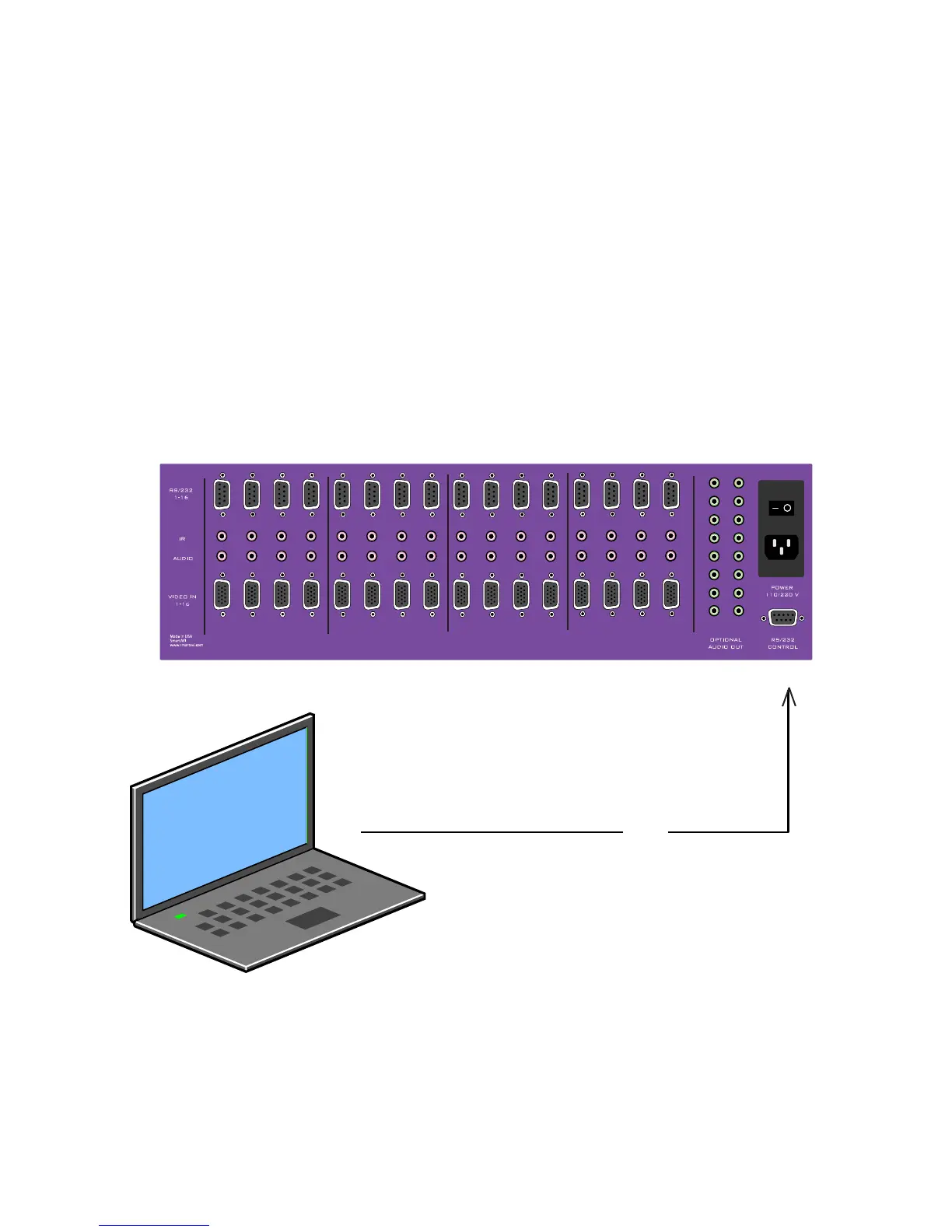
Connecting the Control Communication Cable: RS-232
Each unit can be controlled by a RS-232 port connected from the back of the chassis. The
SmartControlPro software will be used to control the units.
Connect the RS-232 cable the control computer by connecting the female RS-232 connector 1.
into the male RS-232 connector of the PC. Turn the side screws so that it does not
accidentally become disconnected
Connect RS-232 cable connector to the male RS-232 connector on the back of the chassis. 2.
RS-232



 To Next Page