Note:
• It is not necessary to use the utility “FlashPath
F o r mat” on new SmartMedia, they are pre f o rm a t t e d
at the factory. The FlashPath Format utility should
be used if the file system on the SmartMedia
becomes corrupted. The FlashPath Format utility
should not be used to erase old pictures.
To format the SmartMedia using the FlashPath
Format utility:
1 .I n s e rt the SmartMedia to be formatted into the
FlashPath.
2.Insert the FlashPath into floppy drive A: or B:
3.Run “FlashPath Format”:
• Click on Start, Programs, FlashPath, and
FlashPath Format.
a. Select the disk drive and enter volume label.
b. Click OK.
4.Press Y (yes) to confirm that you want to format
the SmartMedia.
5.Press any key to continue - format is complete.
6 . In order to prevent data corruption, please be sure
not to eject the FlashPath while formatting.
To erase old pictures off of the SmartMedia
1.First copy any picture file you want to keep to
your hard drive, a floppy disk, or other media.
2. To delete the old picture files, click on the file(s)
and select File/Delete from the menu bar (or press
the Delete key).
Uninstalling FlashPath
Uninstalling FlashPath under Microsoft
®
Windows
®
95/98 and Windows
®
2000
1. To uninstall FlashPath software, click on
Start\Settings\Control Panel. Use delete
(add/delete) to uninstall FlashPath.
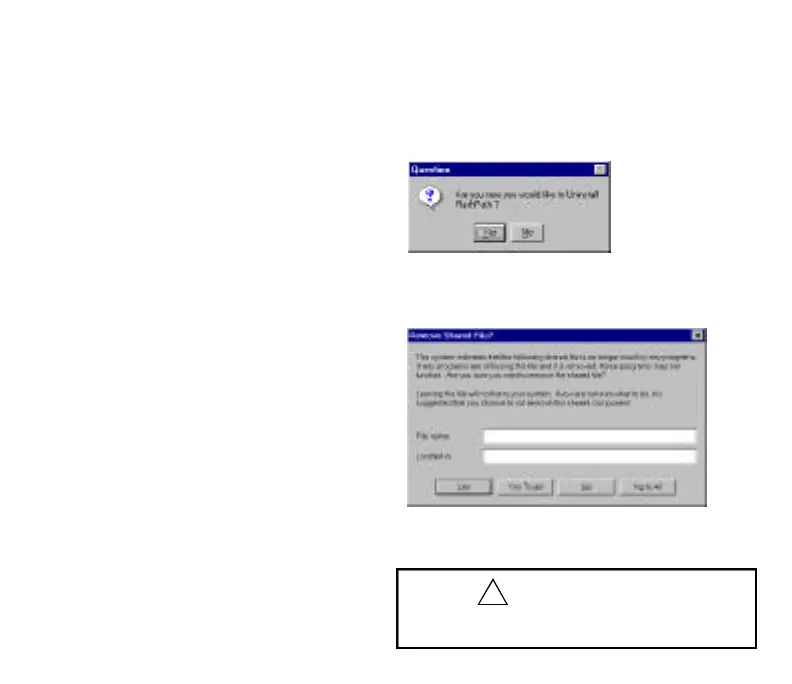
2. The following screen will appear.
1. Click Yes and follow the directions on the screen
to uninstall the FlashPath software.
Note: If you receive the message,
Always choose Yes To All to remove shared files
when deleting FlashPath products.
9
CAUTION
• Be sure to reboot to unload the FlashPath driver
from memory.
FP SDC-OEM.QXP 1/13/00 9:38 AM Page 10



 To Next Page