Chapter 2
Using Flashpath for Wi n d o w s
®
9 5 / 9 8 / 2 0 0 0
Installing FlashPath under Microsoft
®
Windows
®
95/98 and Windows
®
2000
To install FlashPath:
1.Insert your FlashPath Setup Disk.
2.Click on the Start button.
3.Click on the word Run, then type a:setup and
click OK.
4.The FlashPath Setup window appears. Follow the
directions on the screen to install FlashPath.
5.Setup, by default, copies the FlashPath files to the
directory c:\Smartdisk\Flash (unless a different
destination directory is chosen) and creates three
items: FlashPath Format, FlashPath Status, and
FlashPath Help in the FlashPath program gro u p .
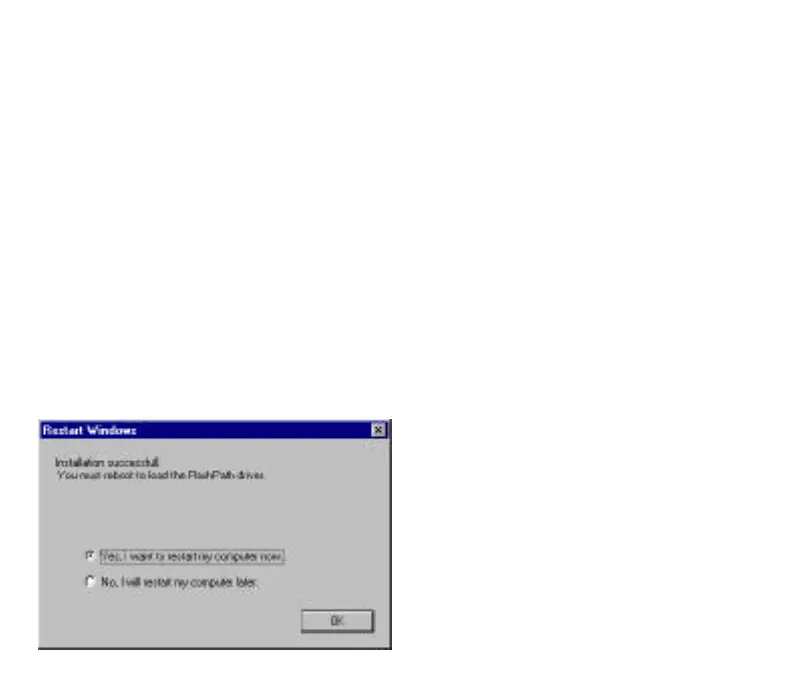
6.Once the install is complete, the following screen
will appear. Click OK to restart your PC.
Note:
• FlashPath has only been tested with English
(Windows
®
2000), Japanese, French, Spanish and
German versions of Windows
®
98, Windows
®
95.
• Under Windows
®
95/98/2000, FlashPath can work
with both floppy disk drives A: or B.
• FlashPath will not work until you reboot your PC
after installation. If your floppy disk drive is B:
instead of A:, type b:setup and click OK to run
setup.exe.
• Read the latest Readme.txt file information
contained in the floppy disk.
• FlashPath may not install correctly if installation is
done while other applications are running.
Using FlashPath for Microsoft
®
Windows
®
98,
Windows
®
95, and Windows
®
2000
With the FlashPath drivers installed on your PC, you
can now access the SmartMedia in the FlashPath.
This will enable you to read/write data to/from it,
just as if it were a floppy disk!
Using FlashPath
1.Insert the SmartMedia into the FlashPath with the
electronic contacts facing away from the metallic
top cover of the FlashPath.
2.Insert the FlashPath into the floppy drive.
3 . FlashPath can now be accessed through the floppy
drive. You can copy, cut or paste to or from the
FlashPath, delete, move, edit files (using word
p r ocessors, spreadsheet programs, photo editors, etc.)
4.Do not compress the SmartMedia in the FlashPath
using drivespace stacker, etc... You can store Zip
files on FlashPath. However, you cannot compress
the file system on the SmartMedia.
8
FP SDC-OEM.QXP 1/13/00 9:38 AM Page 9



 To Next Page