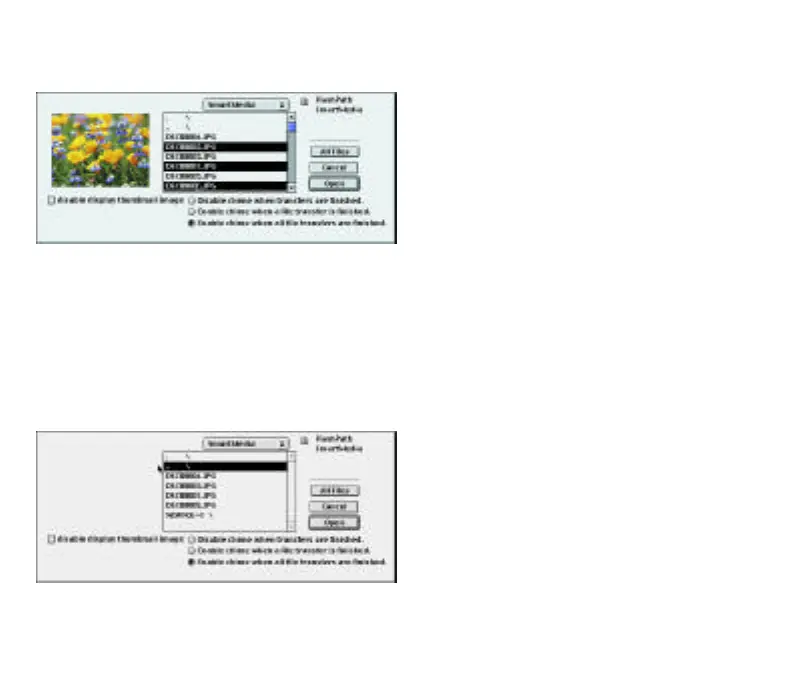
IMPORTANT: Folders cannot be transferred. If you
intend to transfer All Files, you must open the folder
first.
4. Select All Files (in a folder) or press and hold the
Command key while selecting only the files you
want to transfer.
If your camera supports thumbnails, they can be
displayed for each image.
5. Click Open and select the hard drive destination
for your images
6. If two or more folders are on the SmartMedia
you can go up one folder level by selecting the
.. \ line.
Removing the FlashPath utility:
Drag and drop the ReadFlashPath utility from your
hard disk into the “Trash.”
Using FlashPath in the left bay of a PowerBook G3
To use FlashPath in the left bay, press and hold the
Command key as the Import from FlashPath is
selected.
11
FP SDC-OEM.QXP 1/13/00 9:38 AM Page 12



 To Next Page