APC715 Pump Unit Controller
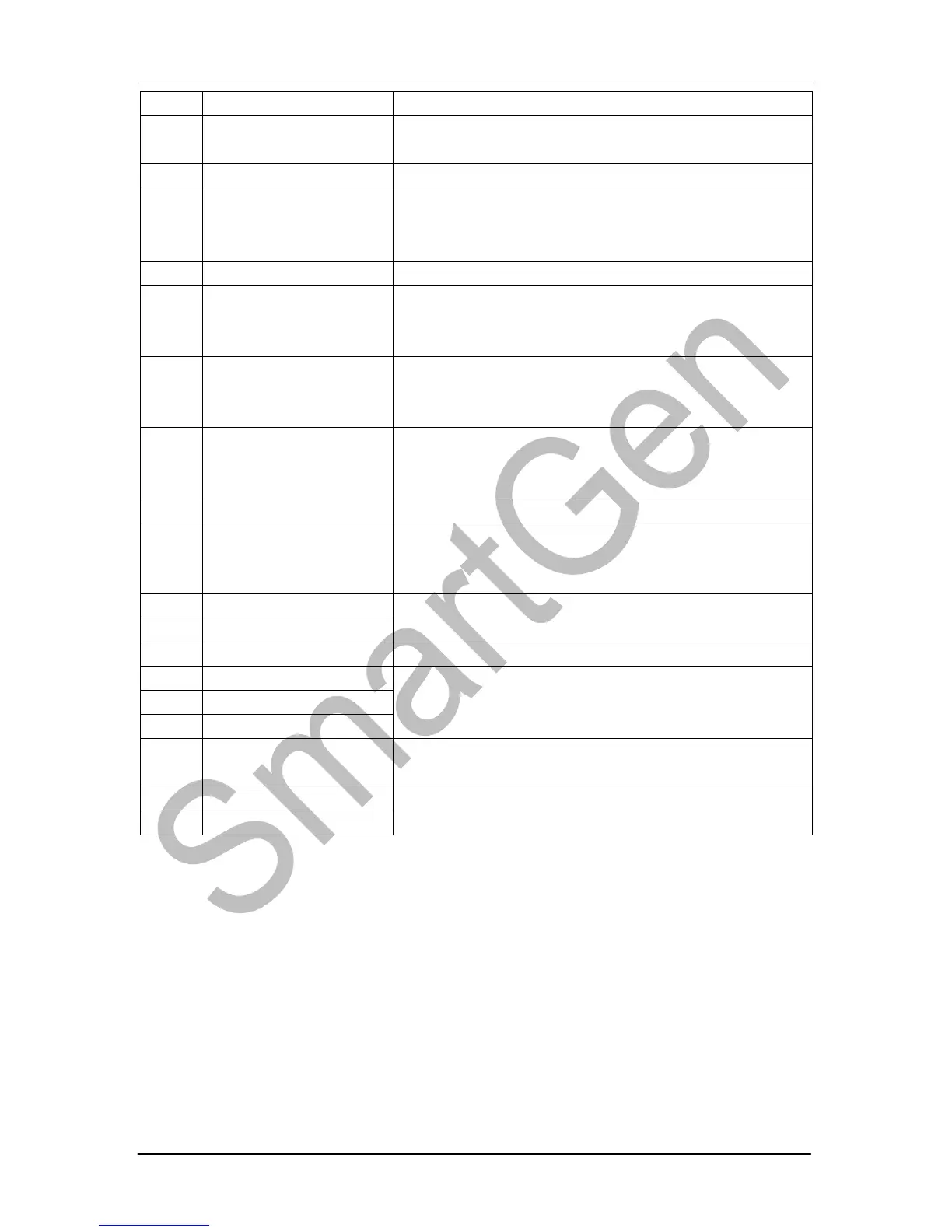
APC715 Pump Unit Controller ISSUE 2013-08-28 Version 1.0 Page 44 of 62
Controller will reset maintenance time and date as
default when input is active.
Connect to sensor digital input.
Connect to sensor digital input.
In Auto mode, when the input is active, pump unit
can be started automatically and take load after
pump unit normal running.
In Auto mode, when the input is active, pump unit
can be started automatically and NOT take load
after pump unit normal running.
In Manual mode, when the input is active, pump
unit will start automatically; when input inactive,
pump unit will stop automatically.
In Auto mode, when the input is active as well as
remote start signal is inactive, pump unit can be
stopped automatically.
An external button (not self-locking) can be
connected and pressed as simulate panel.
An external button (not self-locking) can be
connected and pressed as simulate panel.
An external button (not self-locking) can be
connected and control GOV manually.


 To Next Page