Step 5. Viewing video
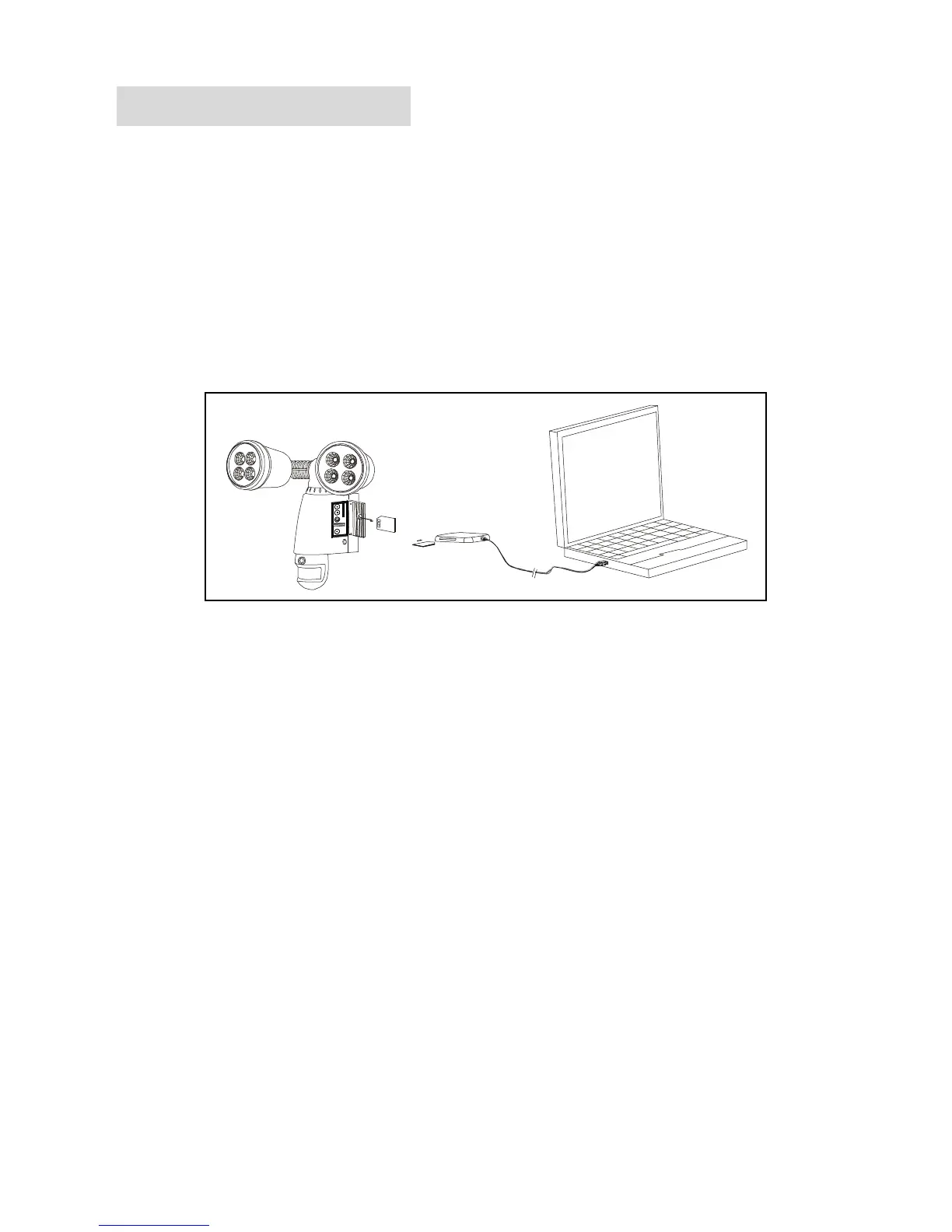
1. Viewing image by computer through a card reader (see fig. 13)
Open the waterproofed cover on the Smartguard Motion Light
with Video Camera
Press OFF/REC button and remove memory card (part no.②)
from the slot.
Put the memory card (part no.②) into a card reader, connect
card reader to computer, and open any media player to view
any videos or photos.


 To Next Page