30
remote control. Placing the device on a reflecting surface (glass, shiny metal) can create
problems with IR reception.
Wiring
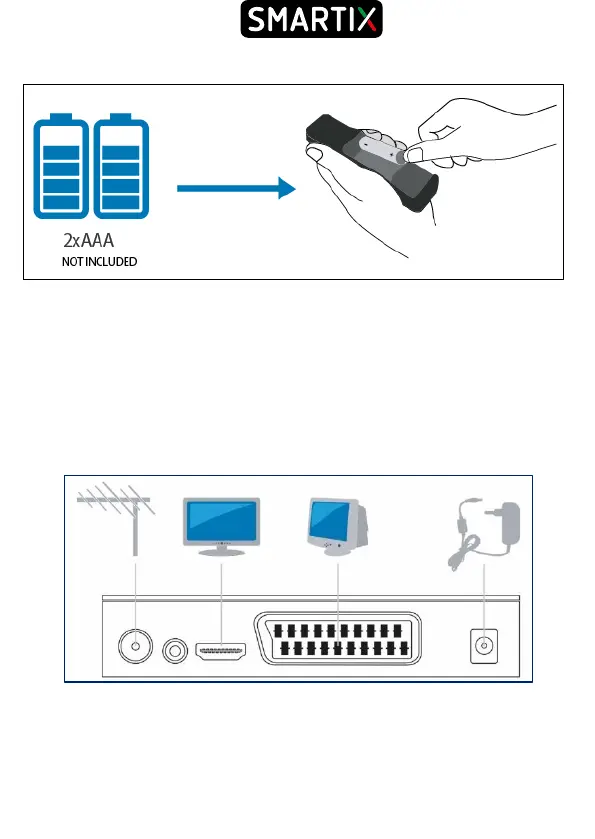
● Connect the antenna cable to the RF IN input.
● You can connect the device to the TV, in standard PAL resolution, using the SCART
cable (cable not supplied).
● You can connect the device to the TV in HD resolution (720p) or FULL HD (1080i / p)
via the HDMI cable (cable not supplied).
● [Optional] You can also send the audio signal to an external amplifier, using an audio
coaxial cable (COAX - CABLE NOT SUPPLIED). This output is present only on certain
models.
Please refer to the diagram below.
First installation
Once all the connections have been made, and after having carefully checked the
exactness, it is possible to turn on the TV and then the device via the supplied remote
control. The display will show the writing Strt.



 To Next Page