10
Maintenance and Care
Power off purifier and disconnect it from the power supply before performing the following operations.
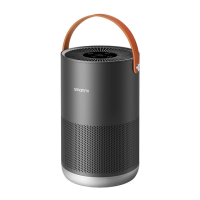
Cleaning the Filter
Housing
Turn over the purifier and
remove the filter by rotating it
counterclockwise.
1
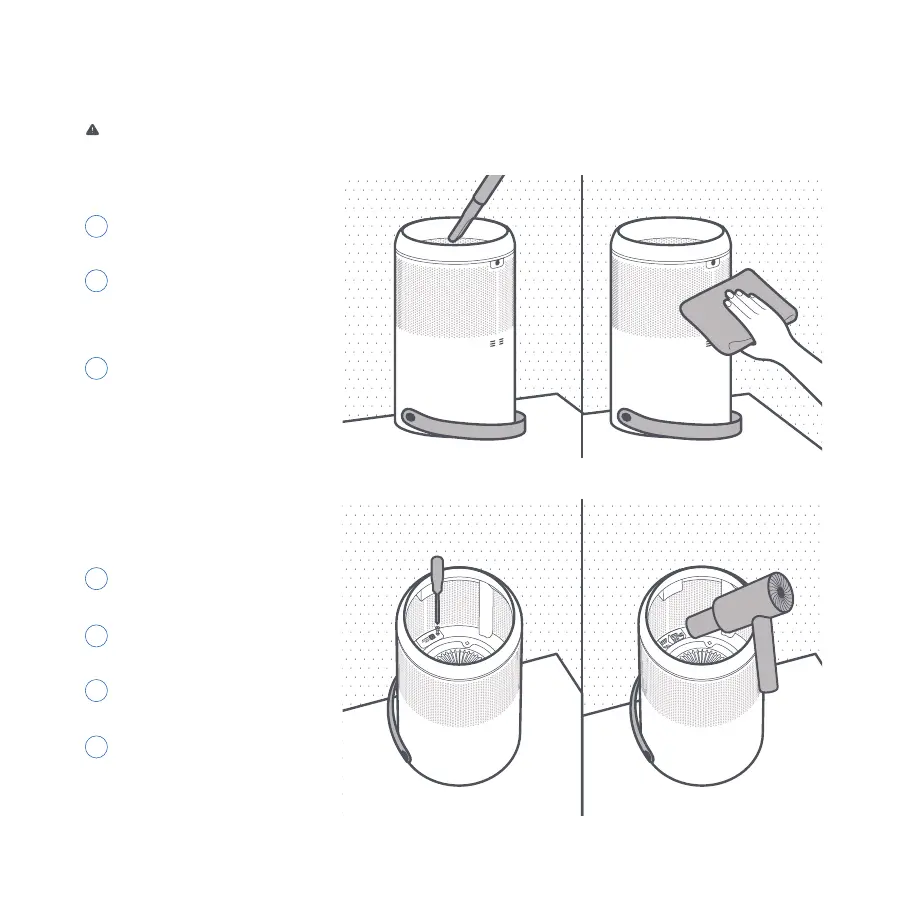
Use a vacuum cleaner
to remove dust from the
ventilation hole and cabin
walls, or wipe them using a
soft cloth.
2
Re-install the filter after it has
been cleaned.
3
Note: Do not spray liquid onto the
purifier's casing, or wipe it using a wet
cloth. This could lead to drops of water
leaking into the base of the device.
Cleaning Laser
Particulate Matter
Sensor
Turn over the purifier and
remove the filter by rotating it
counterclockwise.
1
Use a screwdriver to loosen
the screws on the sensor
cover.
2
Remove the cover and
clean it with a hair dryer or
pneumatic air gun.
3
Once cleaning is finished,
fix the cover back onto
the sensor and tighten the
screws.
4
Note: Do NOT clean with hot air.


 To Next Page