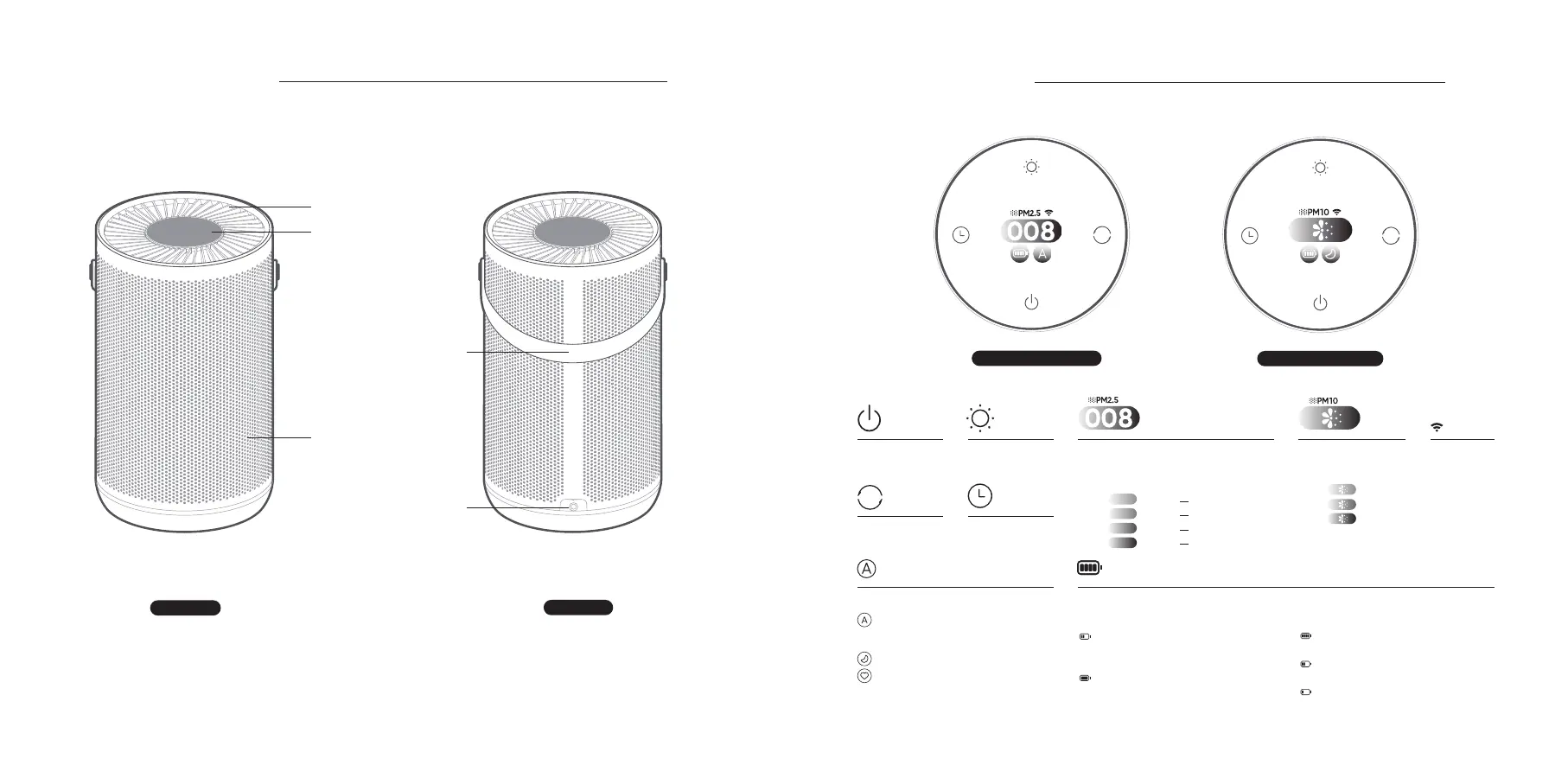
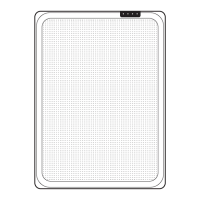
Inlet Grille
Handle
Power port
Note: In this manual, the illustrations of the product and its accessories and the user interface
are schematic diagrams for reference only. The actual product may vary from that shown in the
schematic diagrams due to product updates and upgrades. Please refer to the actual product.
Front view
Rear view
03
Touch display screen
Product Overview
Outlet Grille
Prompt: When both PM2.5 and PM10 are
green, only the PM2.5 value is displayed. If
there is a dierence between the levels, the
more serious one is displayed.
PM2.5 Main Interface
PM10 Main Interface
PM2.5 Value Display Wi-Fi IndicatorPower on/
Standby Button
Mode Button Timing Button
PM10 Value Display
Color changes according to PM10 concentration:
04
Gear Mode Battery Level Indicator
Auto: Automatically adjust purification
eciency in accordance with indoor air
quality.
Sleep: Operate in ultra-low noise mode.
Favorite: Defaults to maximum; set the user
area you wish to cover, adjust purification
eciency, and save settings through the
through app.
When charging, the current power level
flashes, and the battery level indicator
is green.
When the battery is fully charged,
the battery level indicator is green, as
shown in the figure.
When the power is o, the power indicator is on
gray.
When the power drops to 2 cells, the power
indicator turns yellow.
It turns orange when the power drops to 1 cell.
Plug-in Status
:
Battery Status
:
Healthy
Light pollution
Mild pollution
Heavy pollution
1-20
21-35
36-75
>75
Green
Yellow
Orange
Red
Green
Yellow
Red
0-9
10-17
>17
Brightness Button
The number indicates the PM2.5 value, and the
color represents the current level of pollution:
Screen Display



 To Next Page