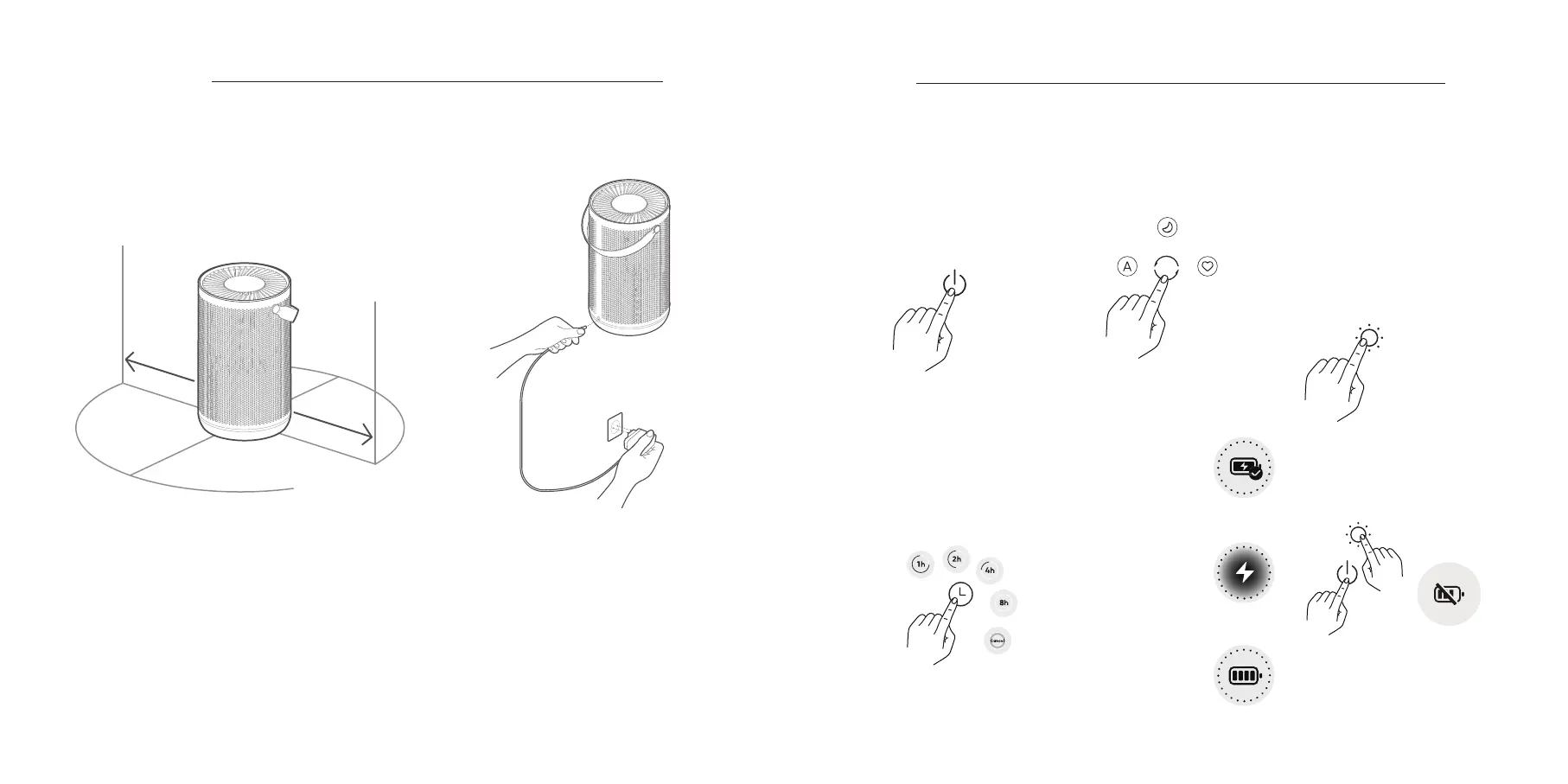
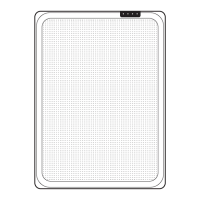
To allow the purifier to operate as eectively as
possible, maintain a suitable distance between
its air inlet and obstructions such as walls (see
figure above).
Connect power adapter to the
power port at the bottom of the
main unit. Then connect the power
adapter to a power socket.
Note: For optimal air purification, keep doors and windows
closed during use.
Placement Connect
the power
supply
Installation
05
20cm or more
20cm or more
06
Power on/ Standby
Timing
Switching mode Adjust the display brightness/
night light.
Touch the Power on/ Standby
Button to turn it on.
In the power-on state, touch
the Power on/ Standby Button
to turn it o.
When the device is turned on,
touch the Timing Button to cycle
through "1h-2h-4h-8h-cancel"
and start the timer. The device will
automatically switch to Standby
after the timer has run out.
When the device is turned on,
touch the Mode Button to cycle
through operating modes.
When the device is turned on,
touch the Brightness Button to
cycle through the options for
screen brightness (full brightness,
half brightness, and o). Press and
hold the Brightness Button for 3s to
dim the night light. Press and hold
for another 3s to gradually turn up
the night light.
Use
Prompt: When powered on, the device
uses the power adapter to supply power
and charge the battery; when the device
is unplugged, the battery is automatically
activated. The whole device switches o
after the battery power has been used up.
Turn battery power o/on
Battery level indication and charging
Press and hold the Brightness Button and
the Power on/ Standby Button at the same
time for 5s. The battery power can be turned
o/on after the purifier has beeped.
Connected to a power supply
After the purifier has been
connected to the power
supply, the screen will be as
shown in the figure on the
right and then return to the
main interface or shut o.
Fully charged
When the purifier is fully
charged, the screen will be
as shown in the figure on the
right and then return to the
main interface or shut o.
Battery powered
When the power is cut o
after the device has been
turned on, the screen will be as
shown in the figure on the right
and then return to the main
interface.
Prompt: The main interface will display the time
remaining after it has been set.
Prompt: Adjust the night light
RGB color in the app



 To Next Page