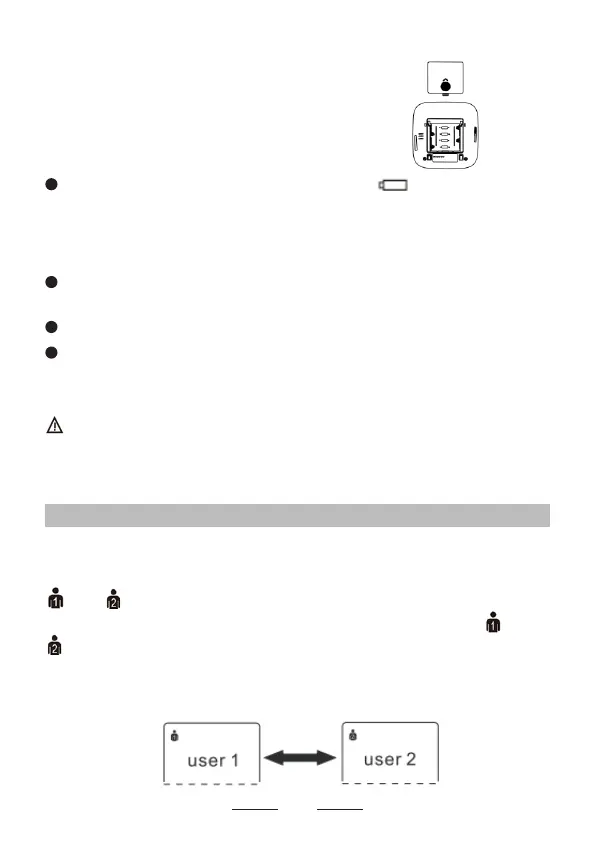
ensure each battery is in the proper
direction.
3. Replace the battery cover.
2.2 Setting Mode
1. User setting
Press SET button when power off, the screen will display
or .
Press MEM button, it will be changed between and
.
Press SET button to confirm the user, then the year
ashes.
9
Notes:
When the depleted battery symbol appears on the
display, turn the monitor off and remove all the batteries.
Replace with 4 new batteries at the same time. Long life
alkaline batteries are recommended.
The measurement values continue to be stored in
memory even after the batteries are replaced.
The supplied batteries may have a shorter life.
Do not use the batteries beyond their expiry date.
Please remove the batteries if you do not need to use for
long time.
Dispose of the battery in accordance with all federal,
state and local laws. To avoid re and explosion hazard,
do not burn or incinerate the battery.


 To Next Page