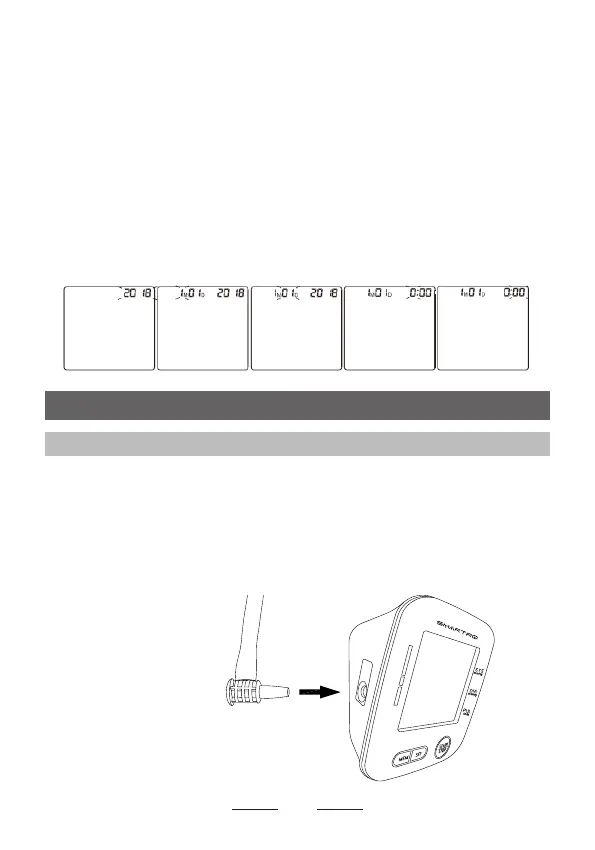
2. Setting the Date and Time
Set the monitor to the correct date and time before taking
a measurement for the rst time.
When the year ashes, press MEM button each time and
the year will increase 1, you could choose from 2018 to
2099. Press SET button to conrm the year. Repeat the
same steps to change the month, day, hour and minute.
When you conrm the minute, the total setting mode will
be compeleted.
3. Using the Device
3.1 Applying the Arm Cuff
Remove tight-tting clothing or tight rolled up sleeve from
your left upper arm.
Do not place the arm cuff over thick clothes.
1. Insert the air plug into the air jack securely.
10


 To Next Page