3.4 Using the Memory Function
To View the Average Value and the Measurement
Values Stored in Memory
Press the MEM button when power off, the latest 3 times
average value will be shown, press the button MEM
again, the last measurement value will be shown, as well
as subsequent measurement can be displayed one after
the other by pressing the button MEM each time.
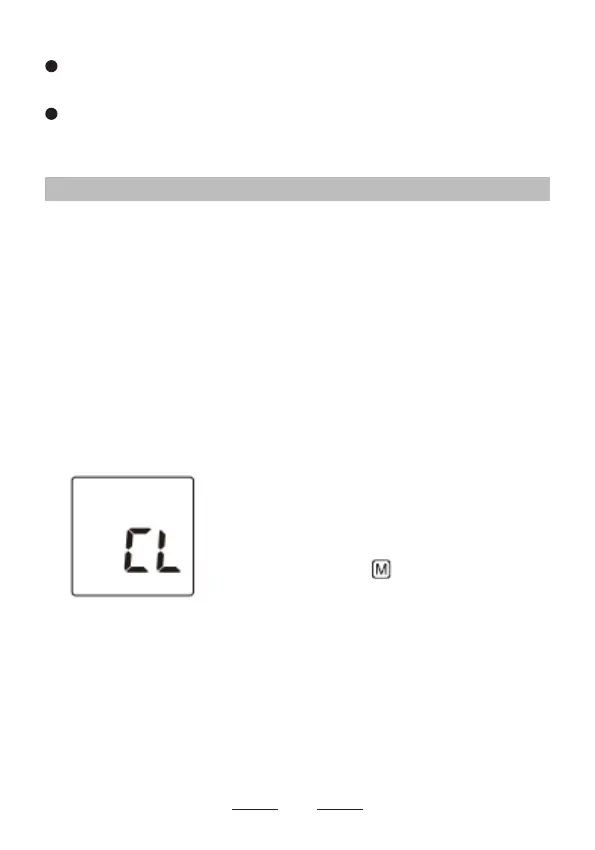
Press the SET button for 7 times
until CL appears when power off,
press the START/STOP button,
CL will ash for 3 times to clear all
the memories. After this press the
button MEM, and “no” will be
shown on the display which means
that no memory in store.
To Delete All the Values Stored in Memory
Note:
You cannot partially delete the values stored in the
memory. All values for the user you select will be deleted.
To stop a measurement, press the START/STOP
button once to release the air in the arm cuff.
Remain still and do not talk while taking a
measurement.
14


 To Next Page