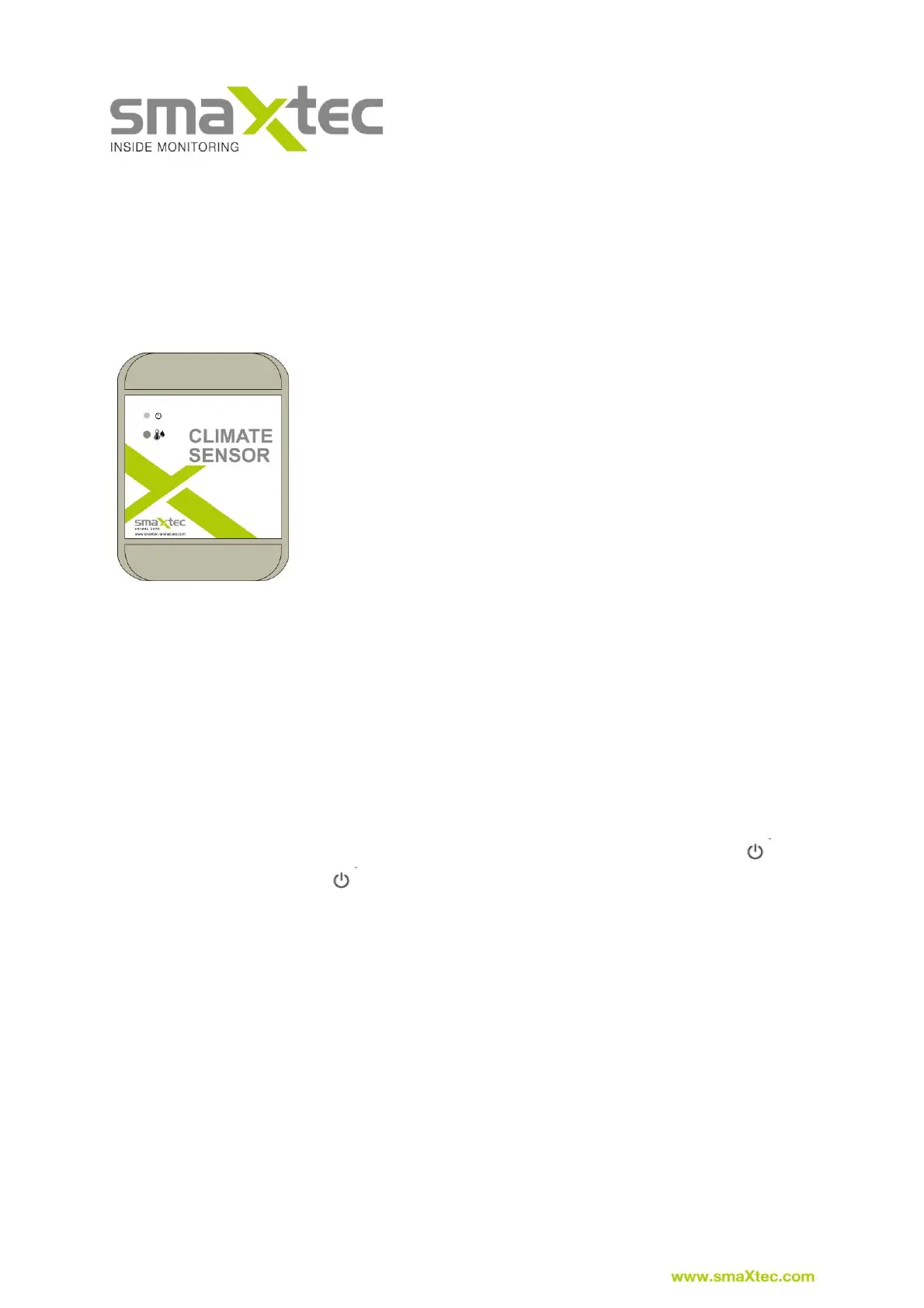
4.2. smaXtec Climate Sensor
The smaXtec Climate Sensor is designed to provide continuous measurement of
environmental factors such as ambient temperature and humidity levels. This data is
wirelessly transmitted to the smaXtec Base Station or a smaXtec Repeater. The
number of smaXtec Climate Sensors required depends on the size of the cow shed.
Scope of delivery
The smaXtec Climate Sensor package contains the following
components:
• 1x smaXtec Climate Sensor
• 4x screws and 4x wall plugs for mounting
• 1x Drill template
• 1x Quickstart-Guide
First Steps
Follow the steps described in the Quickstart Guide provided and please ensure they
are carried out correctly.
1) Activation in smaXtec Messenger – menu option “Add device”: It is necessary
to activate the device so that the device can be correctly assigned to a user
and used in smaXtec Messenger.
2) Switch on using the magnet provided (magnet is included in delivery with the
smaXtec Base Station):
a. Switch on by holding the magnet in front of the On/Off symbol ( )
b. Power LED ( ) glows yellow for 1 second
c. Connection (takes approx. 1 second) to the smaXtec Base
Station/Repeater (wireless network)
d. Connection OK (connected to the smaXtec Base Station/Repeater) –
LED lights up green for 3 seconds
e. Connection NOT OK – LED flashes red 5 times: smaXtec Climate
Sensor then automatically switches off → switch on again for new
connection attempt
Note – TO SWITCH OFF: The smaXtec Climate Sensor can be switched off using
the magnet. Simply hold the magnet in front of the On/Off symbol again – LED glows
red for 3 seconds.



 To Next Page