C
ONFIGURATION
P
ARAMETERS
4-81
Reset
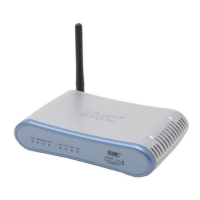
Click REBOOT ROUTER to reset the Barricade. The reset will be
complete when the power LED stops blinking.
If you perform a reset from this screen, the configurations will not be
changed back to the factory default settings.
Note: If you use the Reset button on the back panel, the Barricade
performs a power reset. If the button is pressed for over five
seconds, all the LEDs will illuminate and the factory default
settings will be restored.


 To Next Page
 Loading...