I
NSTALLATION
2-6
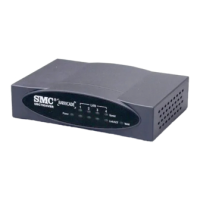
The splitter is required for connecting your Barricade and phone to the
same phone line. If you have a dedicated phone line for ADSL connect the
Barricade directly to the phone line.
Note: To prevent high frequency ADSL signals interfering with
telephone calls, each phone must be connected to the same phone
line through a splitter (also known as an ADSL microfilter).
Connecting the network
Using the grey RJ-45 cable provided connect LAN port of the Barricade to
the network card of your computer or other network device, e.g., hub or
switch. The corresponding LAN LED will illuminate green to indicate
good link.
Phone Line
Splitter
RJ-11


 To Next Page
 Loading...