-10-
No.PS※※-OMV1001
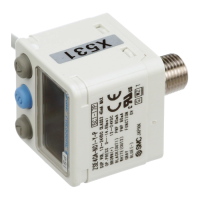
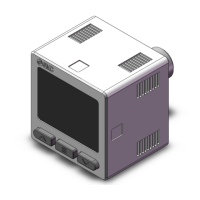
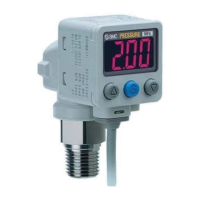
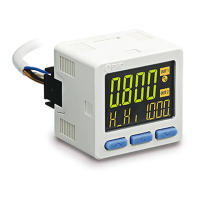
Summary of Product parts
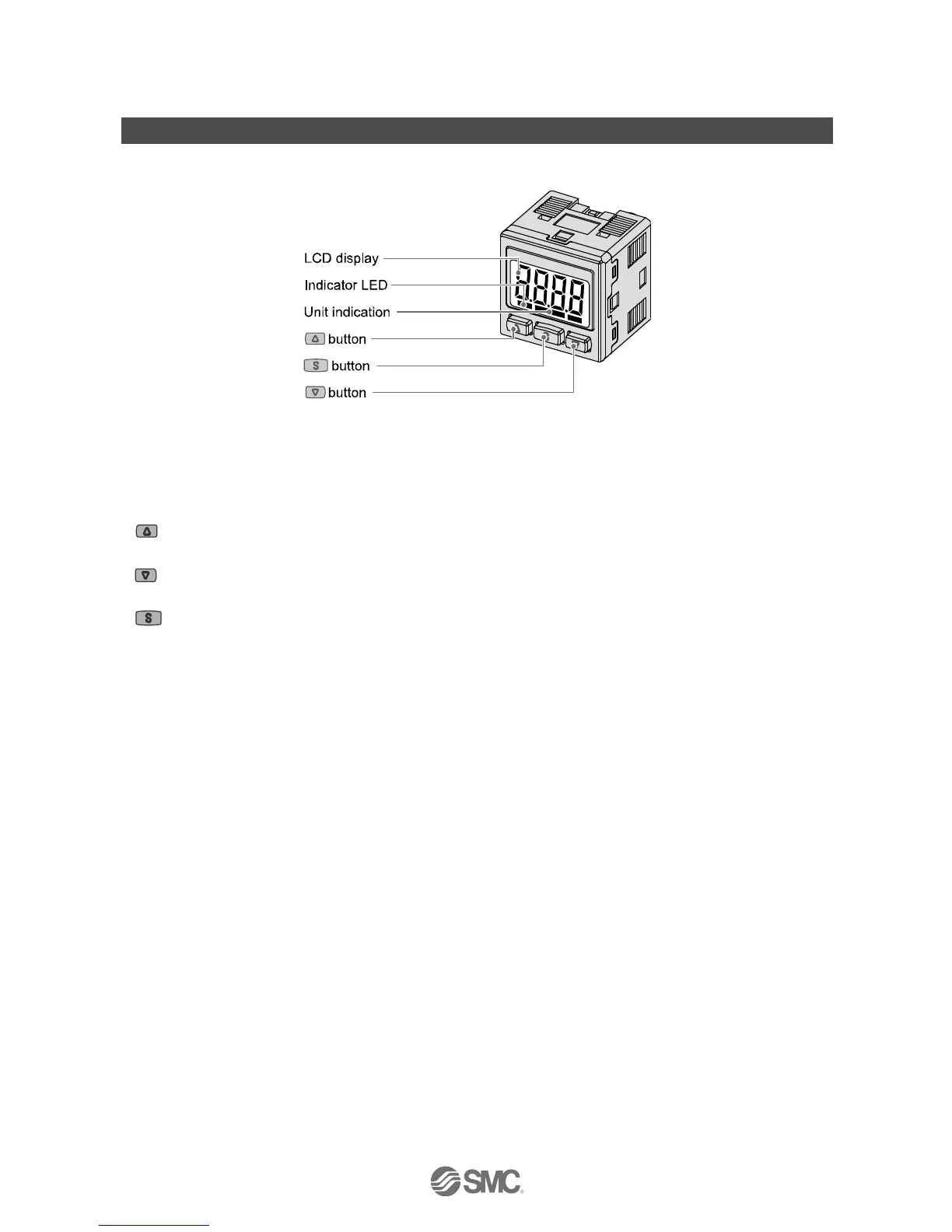
○Names of individual parts
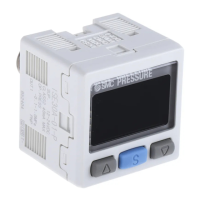
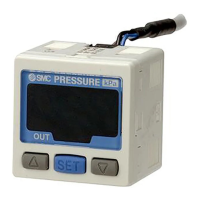
Indicator LED (Green OUT1 and Red OUT2): Displays the switch output condition.
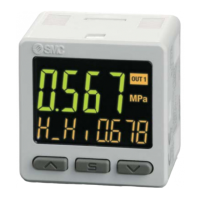
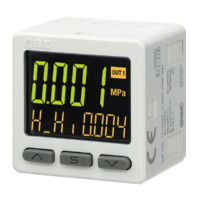
LCD display: Displays the current status of pressure, setting mode, selected indication unit and error code.
Four display modes can be selected: display always in red or green, or display changing from
green to red, or red to green, according to the output status.
button: Selects the mode or increases the ON/OFF set value.
Press this button to change to the peak display mode.
button: Selects the mode or decreases the ON/OFF set value.
Press this button to change to the bottom display mode.
button: Press this button to change to another mode and to set a value.
Unit indication: Displays the unit currently selected. (only for kPa unit indication).


 To Next Page
 Loading...