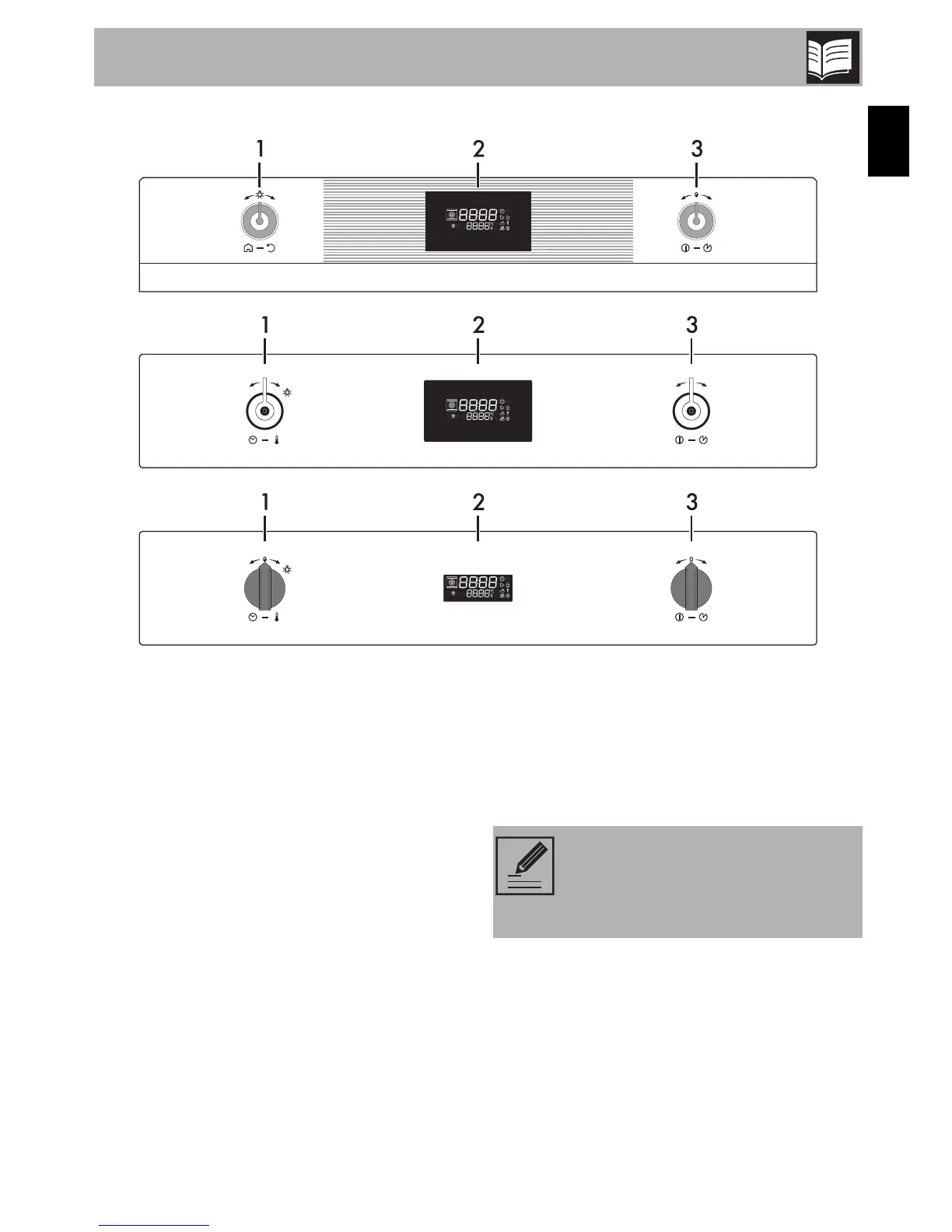
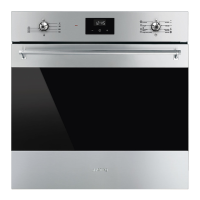
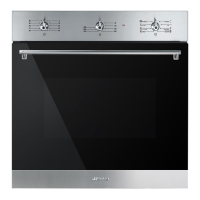
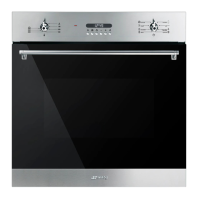
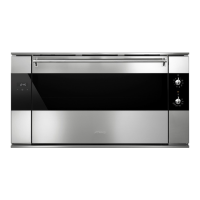
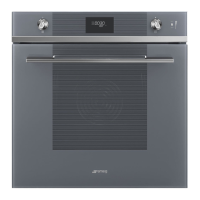
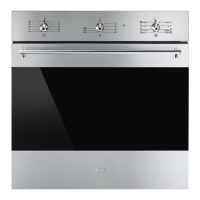
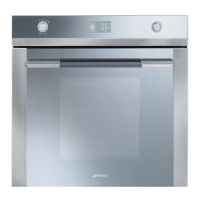
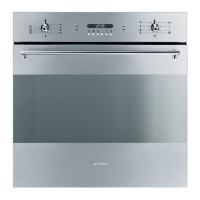
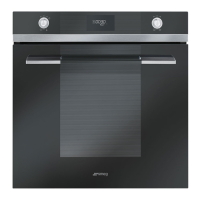
2.2 Control panel
1 Programming knob
This knob can be used to select:
• The cooking temperature
• The duration of a function
• Programmed cooking
• The current time
• The switching on or off of the lamp inside
the appliance.
2 Display
Displays the current time, the selected
cooking function, power, temperature and
any time that has been set.
3 Function knob
This knob can be used to:
• Switch the appliance on/off
• Select a function
• Temporarily start or stop a function.
Keep the function knob pressed for
approximately 3 seconds to
immediately end any cooking
operation.


 To Next Page