Use
33
EN
Changing a personal recipe
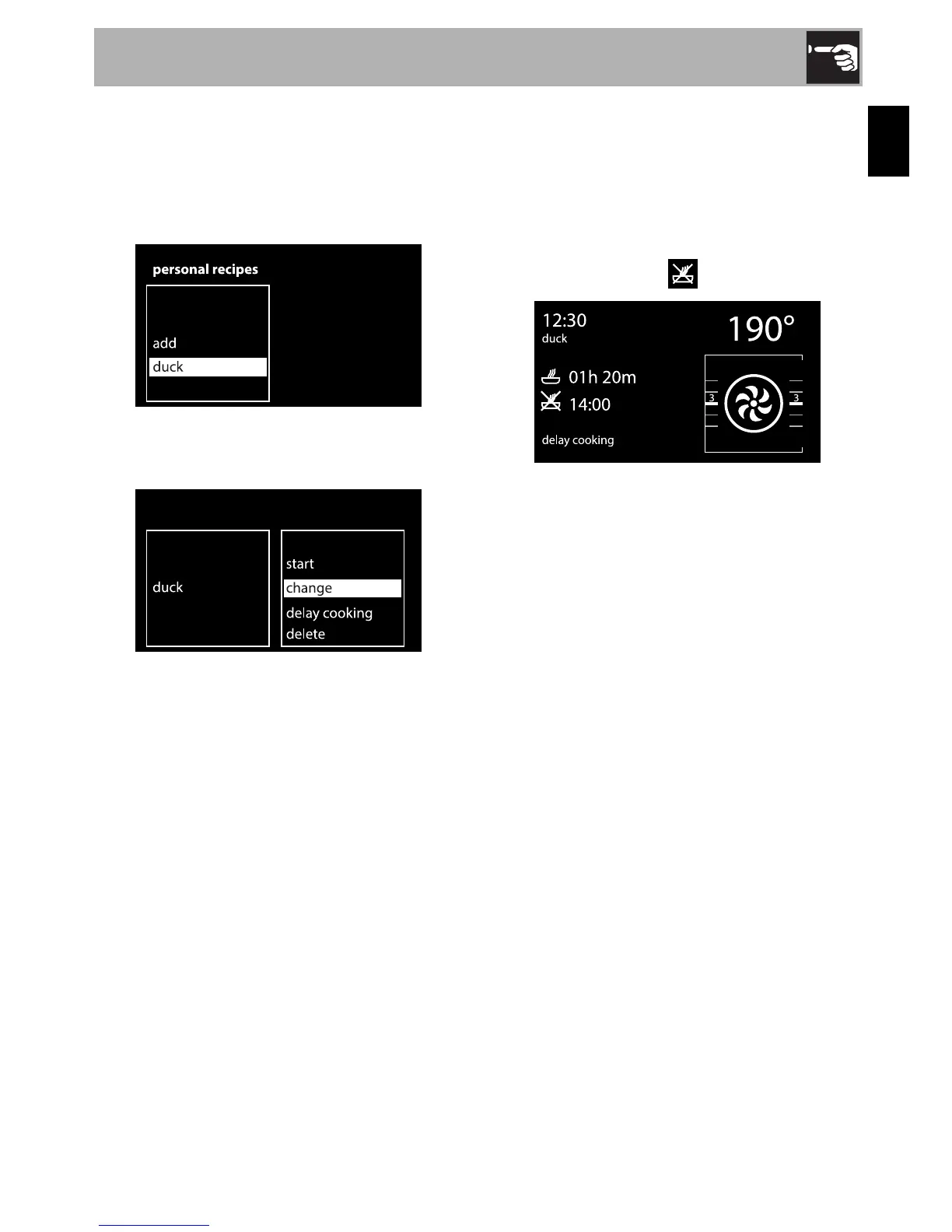
1. Select a previously saved personal
recipe with the control knob (in the
example, a recipe for “duck” has been
saved).
2. Select the change option from the
submenu.
3. Repeat the steps given in the “ Adding a
recipe” chapter, starting from point 2.
Delay cooking
1. Select a personal recipe.
2. Select the “Delay cooking” option from
the submenu.
3. Select the end of cooking time with the
control knob. The symbol flashes.
Deleting a personal recipe
1. Select a personal recipe.
2. Select the “Delete” option from the
submenu.
3. Confirm the deletion. Select YES to
permanently delete the recipe.


 To Next Page