SMOKE-FACTORY –
DATA II Operating Instructions
5.3.3 Stand-alone
The DATA II can be used in the Stand alone mode. In this mode the control of the pump and an
external fan must be adjusted at the machine.
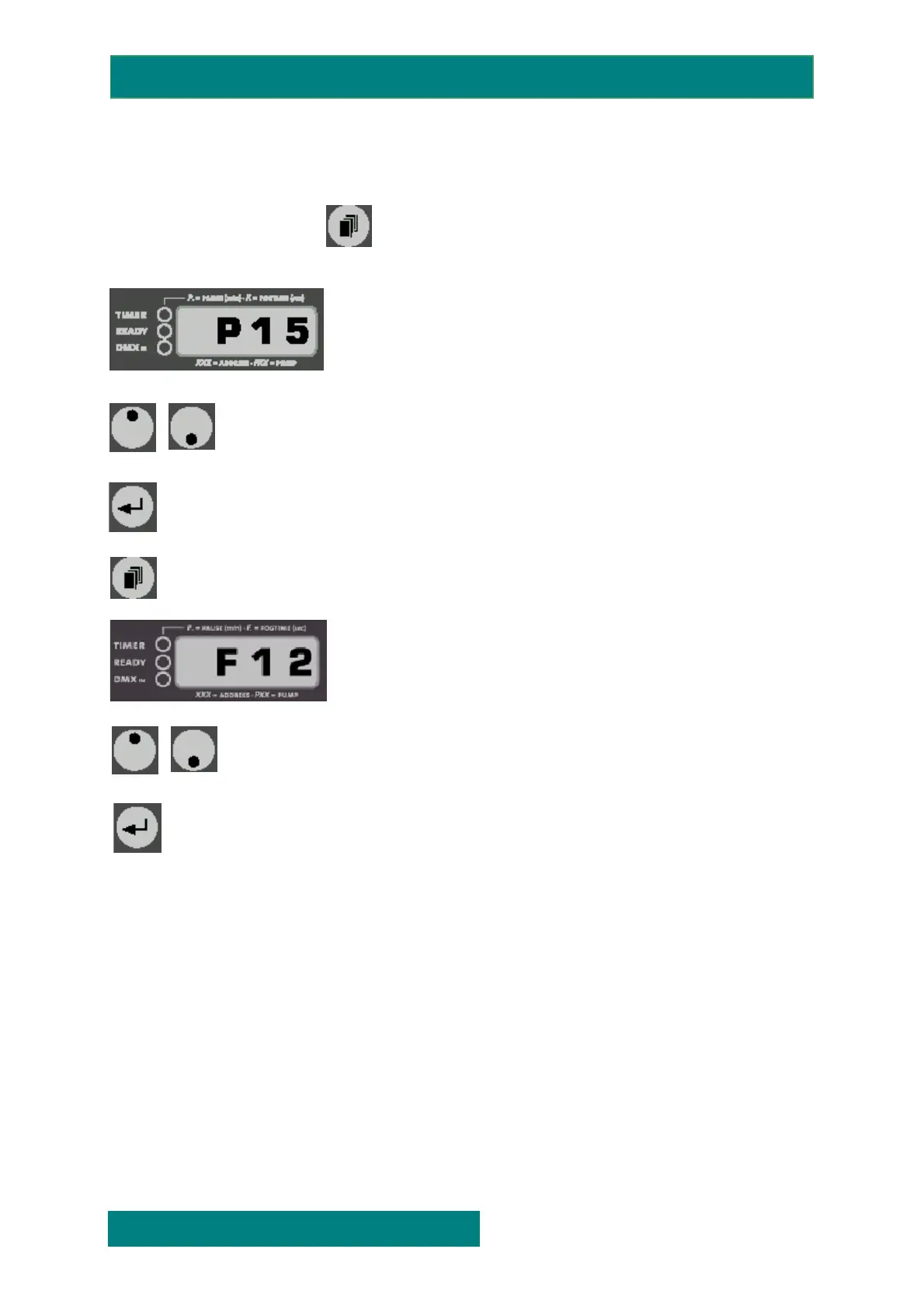
Press and release the Mode- button until a „P” and two figures appear on
the display .
Adjust the pump output with the Up/Down-buttons
.
Press the Enter-button once to start the fogging process. The machine now produces fog until
the Enter-button is pressed again. The output can be changed during the fogging process.
Press Mode again to adjust the fan output.
Adjust the fan output with the Up/Down-buttons (0-99%).
.
Press the Enter-button once to start the fan.The output can be changed during the process.
The fan will work until the Enter-button is pressed again
SMOKE FACTORY
issue 1.0 Page: 9 of. 15
FOG GENERATORS NEBELMASCHINEN


 To Next Page