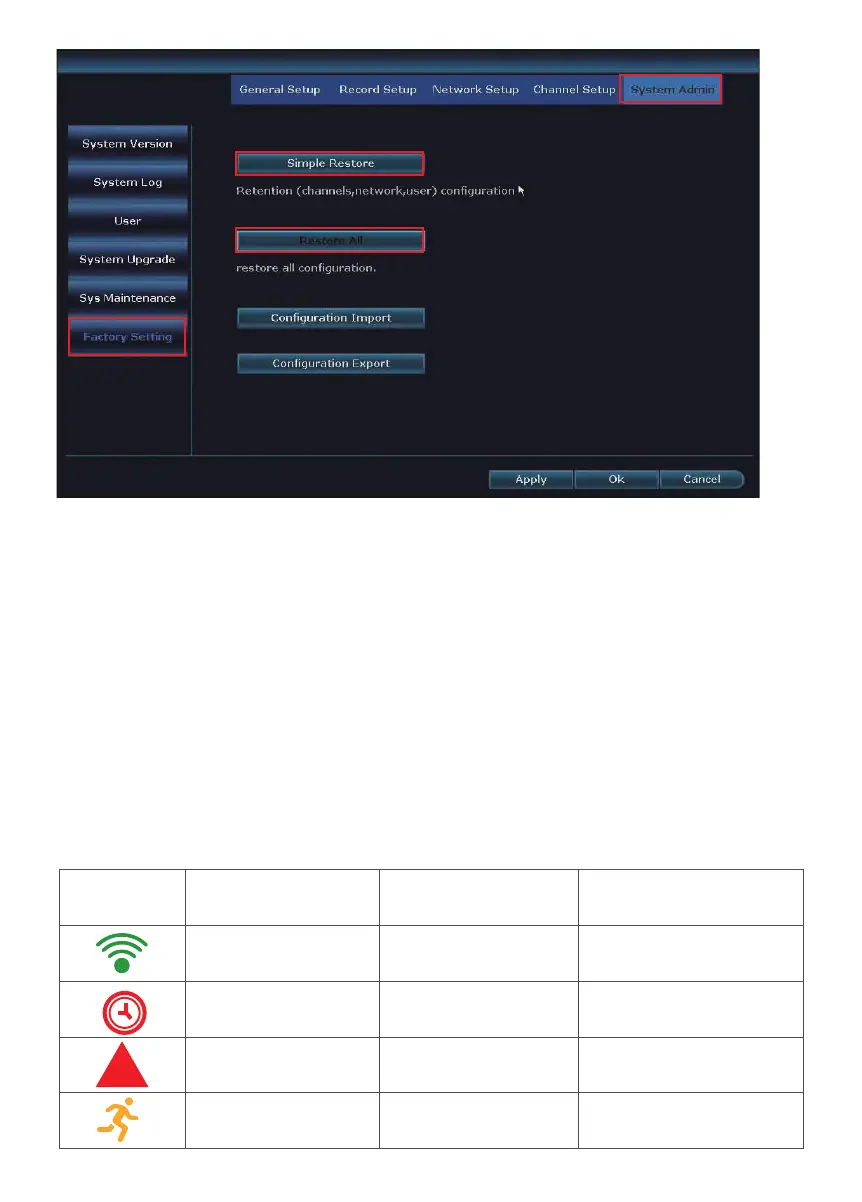
Picture IRON Location Meaning
Green bar
a little clock
Red Triangle
Little Yellow man
Top Right Corner
Top Right Corner
Bottom Left Screen
Top Right Corner
Wireless Signal
Recording
Alarm
Motion Detection
!
Q14: My system doesn’t recognized its hard drive?
A:
First confirm that the power adapter for NVR is 12V-2000mA. Once you have
confirmed, right click the mouse from the home screen of your monitor and navigate
to System setup > General setup > HDD setup. Verify if there is HDD information,
select hard drive information, click Format>OK .If there is no hard drive information,
open the NVR box and check to see if the cable of hard drive is loose. Re-connect
the HDD cable.
Q15: What if I forgot my login password?
A:
please call us or send us Email, update us your phone number. Email subject:
Request Password Reset. So that we call and give you super password to login.
Q16: What's the meaning of IRON on the TV/PC monitor?
A:
24


 To Next Page