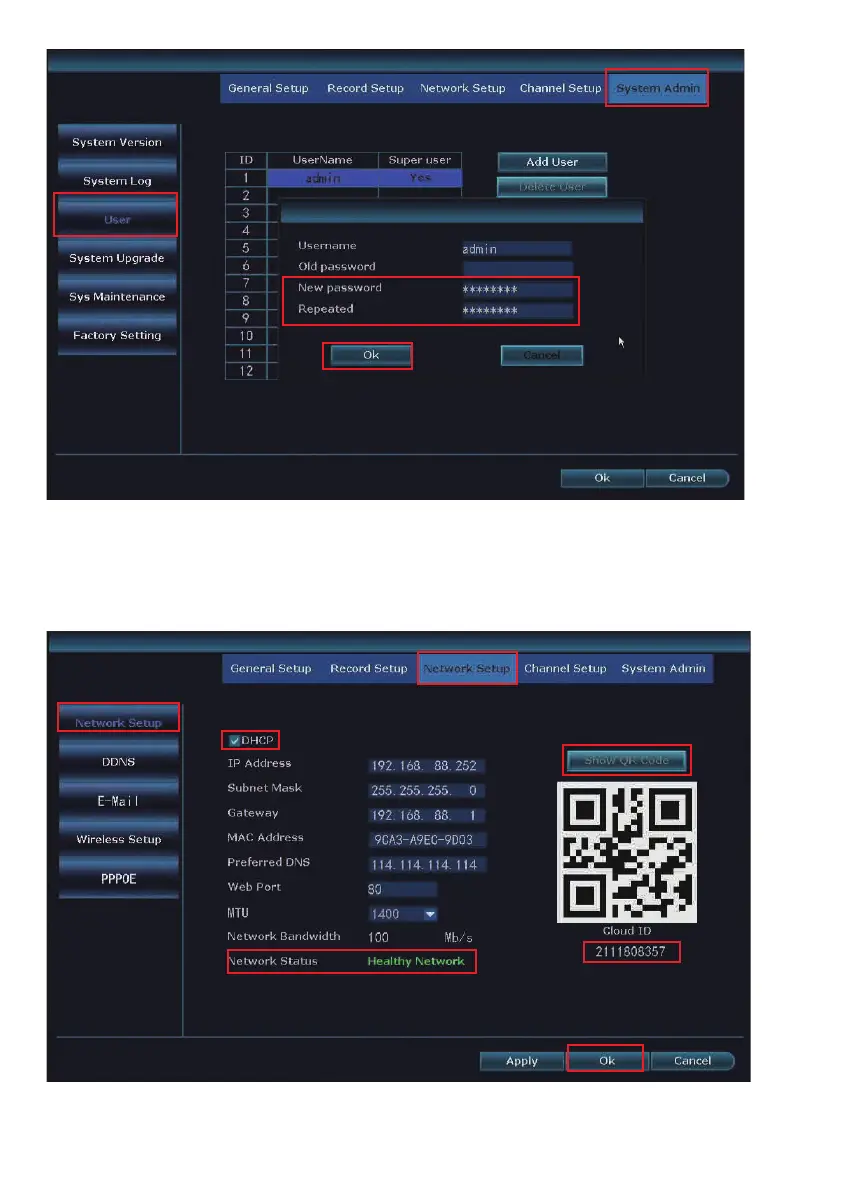
Check Network Status: With the NVR connected to your router via an Ethernet
cable, navigate to System setup > Network setup, make sure DHCP is checked. At
the bottom of the window you should see Network Status as Healthy Network.
Click Show QR Code, you should see Cloud ID.
06
Click network icon at the bottom right side of main screen > you should see page
of Fast network.


 To Next Page