EasyManua.ls Logo

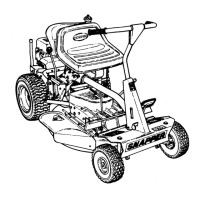
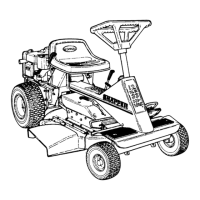
Snapper 8 Series - Left Side; Right Side

Snapper 8 Series
12 pages
Print Icon
To Next Page IconTo Next Page
To Previous Page IconTo Previous Page
Loading...
INTRODUCTION
This
manual
covers
SNAPPER
Series
8
Automatic
Blade
Stop
and
Smooth
Start
Clutch
equipped
rear
Engine
riding
mowers.
Series
8
riders
(last
numeral
Is
the
MODEL
designation)
feature
a
parking
brake
lever
which
Is
located
on
the
Instrument
panel.
See
your
SNAPPER
Dealer
for
information
on
the
man
y
acc
essories
ava
ilable
fo
r
your
ridin
g
mowe
r
andlexam[n^SA/APP£fl'^SjlcompieteiTine^
^outstan¬
ding
power
equipment
I
Always
stop
the
blade,
shift
into
neutral
and
set
the
parking
brake
when
it
becomes
necessary
to
leave
your
rider
momentarily
while
the
engine
Is
runningl
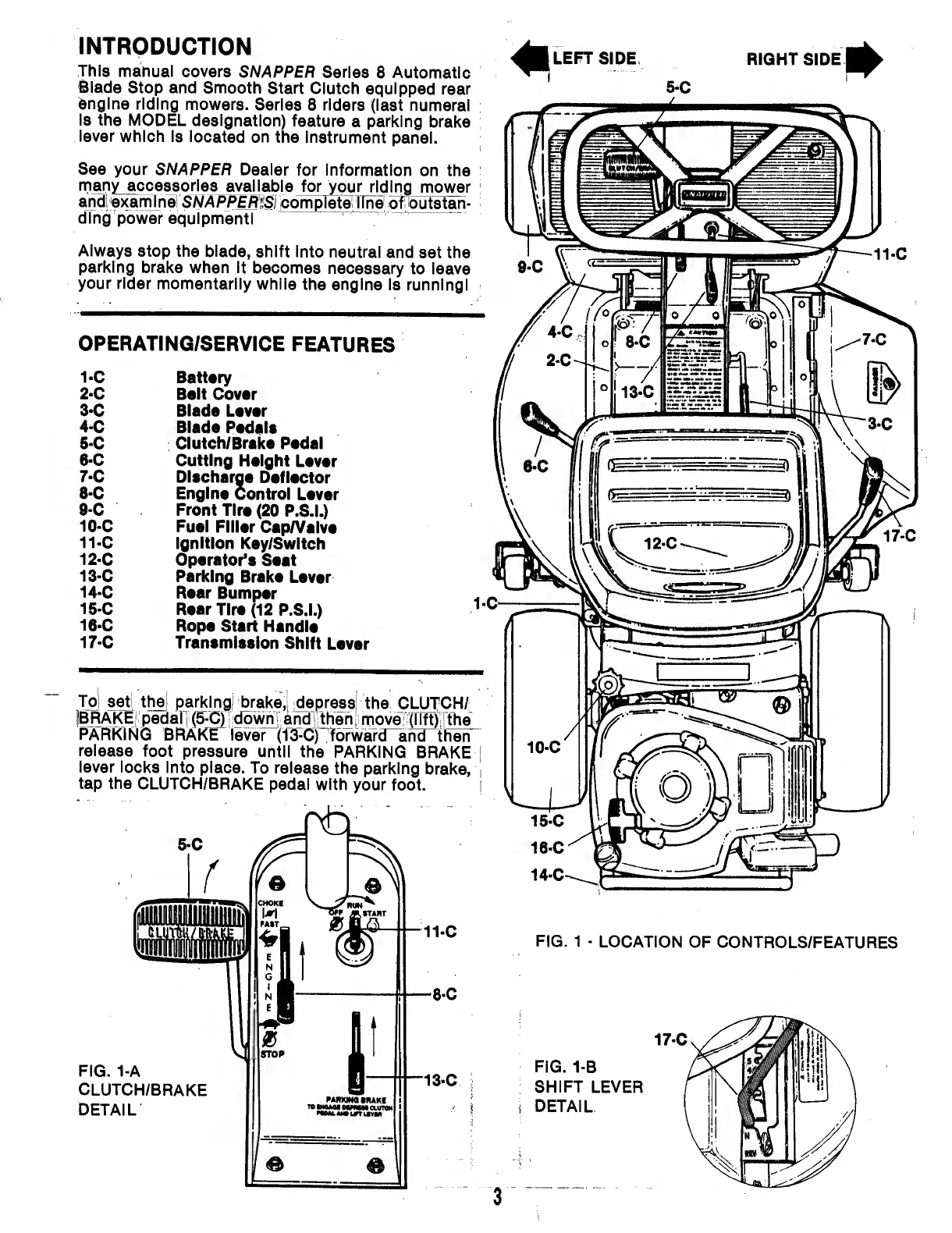
OPERATING/SERVICE
FEATURES
1-
C
Battery
2-
C
Belt
Cover
3-
C
Blade
Lever
4-
C
Blade
Pedals
5-
C
Clutch/Brake
Pedal
6-
C
Cutting
Height
Lever
7-
C
Discharge
Deflector
8-
C
Engine
Control
Lever
9-
C
Front
Tire
(20
P.S.L)
10-
C
Fuel
Filler
Cap/Valve
11-
C
Ignition
Key/SwItch
12-
C
Operator’s
Seat
13-
C
Parking
Brake
Lever
14-
C
Rear
Bumper
15-
C
Rear
Tire
(12
P.S.L)
16-
C
Rope
Start
Handle
17-
C
Transmission
Shift
Lever
m
LEFT
SIDE
RIGHT
SIDE
i
^7-0
13.C
To
set
thiei
parking!
brake,!
Repress
the
CLUTCH/
jBRAKEI
pedaH
(5-C)i!dbwni
andlitheni
move:
(riftj:i^e
PARKING
BF^KE
lever
(TJ^C)
Tbrward^hd
then
release
foot
pressure
until
the
PARKING
BRAKE
|
lever
locks
Into
place.
To
release
the
parking
brake,
|
tap
the
CLUTCH/BRAKE
pedal
with
your
foot.
I
MX
FIG.
1
-
LOCATION
OF
CONTROLS/FEATURES
FIG.
1-A
CLUTCH/BRAKE
DETAIL
PMKINaMUKf
11
FIG.
1-B
SHIFT
LEVER
s
DETAIL

Related product manuals