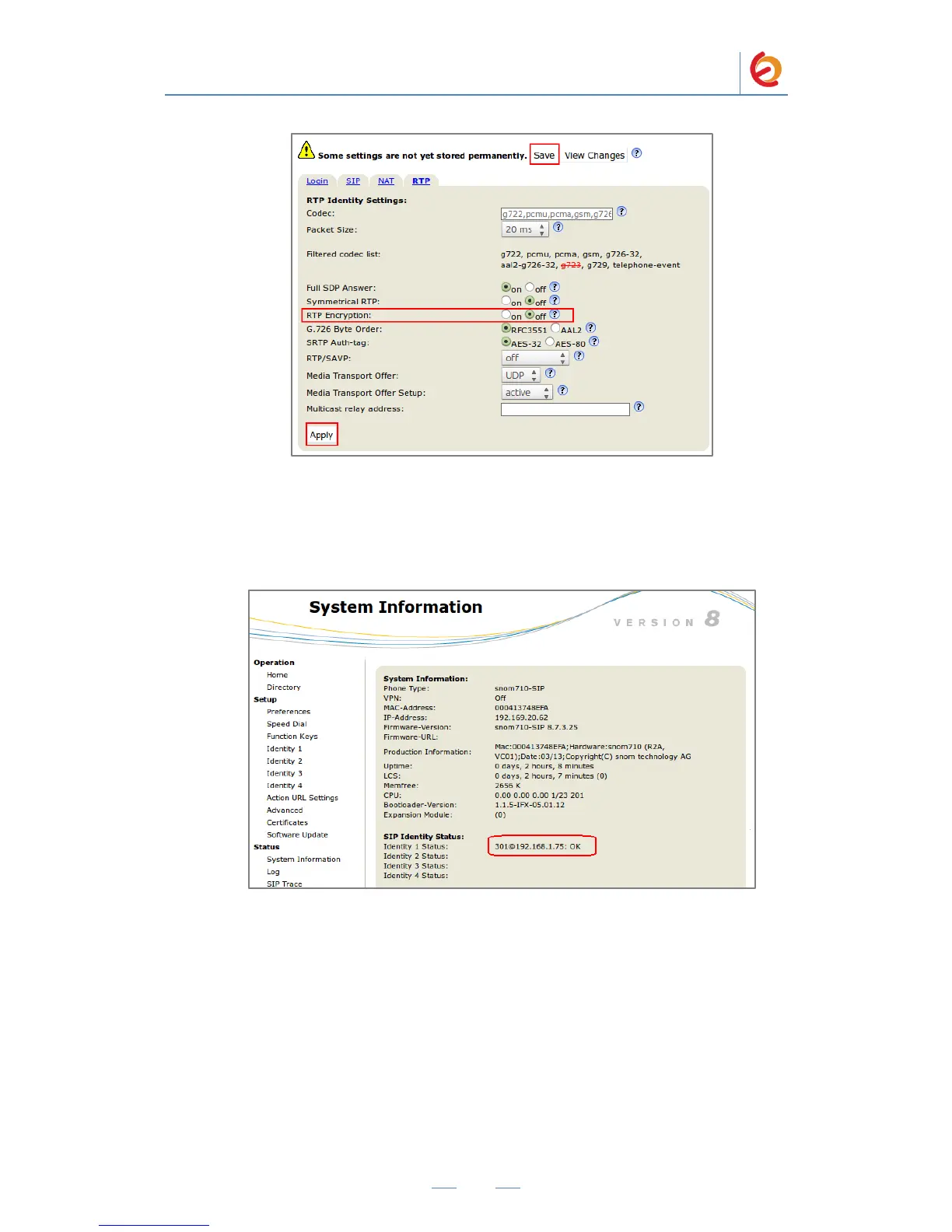
Figure 4-8. RTP
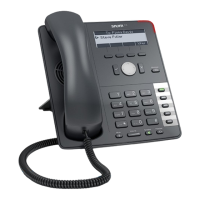
13. To check the correct registration of the account, go to “Status => System
Information” section (Figure 4-9). If it‟s not registered, make sure you‟ve entered
the correct information.
Figure 4-9. System Information
14. Configure the other IP (SIP) Phone with the correct parameters.
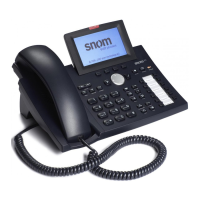
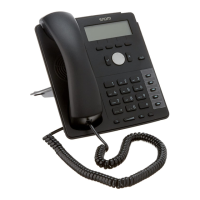
15. To test the Snom 710, pick up the previously configured IP (SIP) Phone and call
the Snom 710‟s extension number (301 in this example). When the call is
established, speak into the phone and verify that the other IP (SIP) Phone can hear
your voice. Check this by calling from both ends.


 To Next Page