13
Status Indicators Overview
Power LED indicator
Color Pattern Description
White
Steady ON Power on and no USB power connected
-OR-
Power on and charging completed.
OFF Power off and no USB power connected
-OR-
Power off and charging completed
ON 1s OFF 1s
repeatedly
Charging (in power on or power off mode)
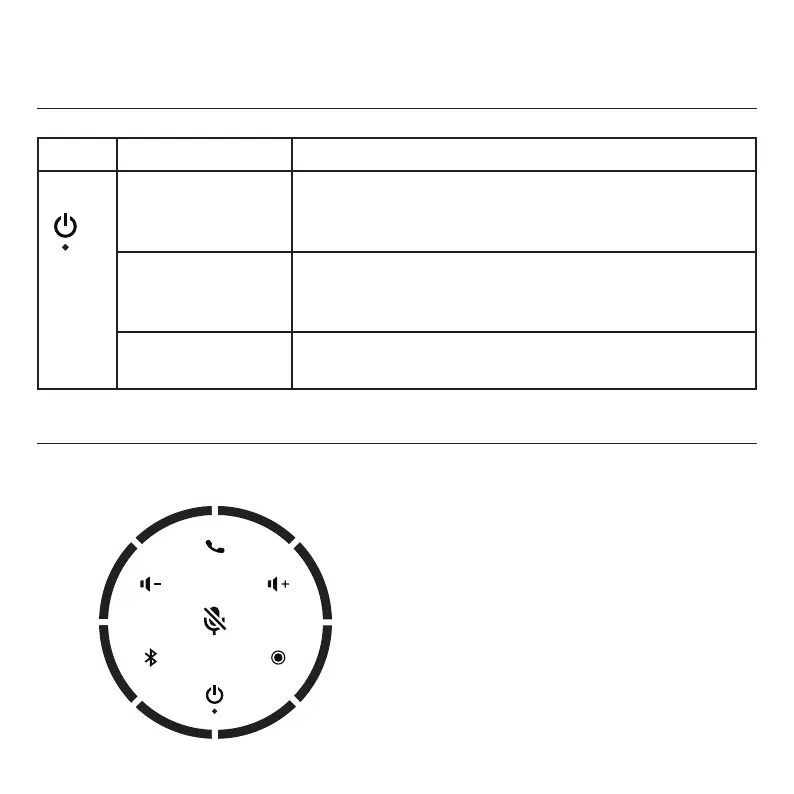
Multicolored LED indicators
LED 2
LED 8
LED 4LED 5
LED 1
LED 7
LED 6
LED 3
A ring of multicolored LEDs
surrounds the speakerphone keys.
In the table on the next page, the
LED color is indicated as follows:
R = Red
B = Blue
G = Green
W = White
– = Off



 To Next Page