16
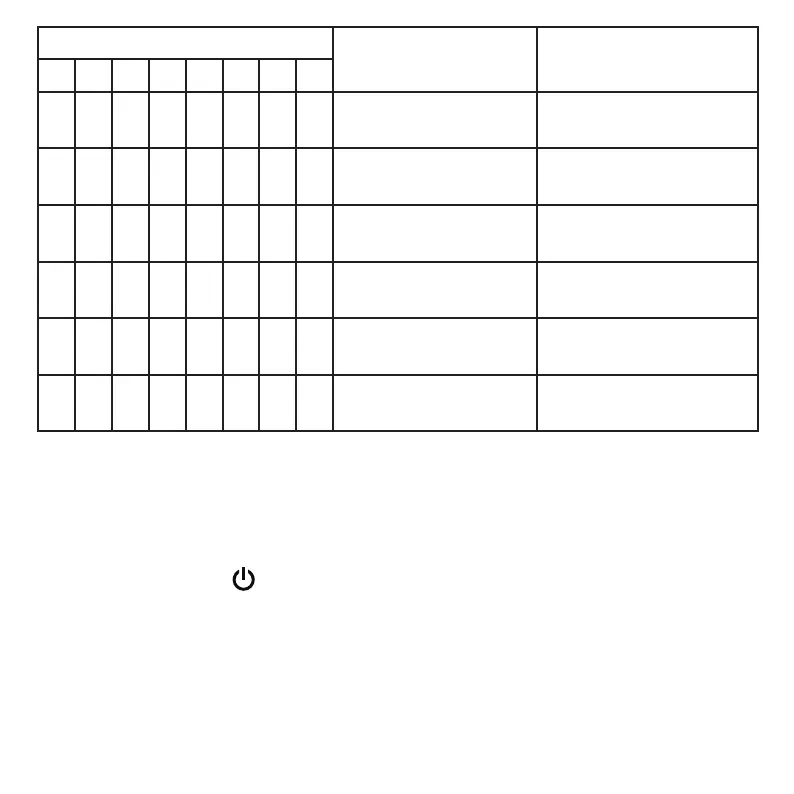
LED number & color
Pattern
Description
1 2 3 4 5 6 7 8
W On with voice active Voice is active near LED
3 area
W On with voice active Voice is active near LED
4 area
W On with voice active Voice is active near LED
5 area
W On with voice active Voice is active near LED
6 area
W On with voice active Voice is active near LED
7 area
W On with voice active Voice is active near LED
8 area
Power on/off
To turn the speakerphone on or off:
• Press and hold the key for at least two seconds.
The speakerphone plays a power up/down melody.
The power LED indicator is illumunated when the speakerphone is on.



 To Next Page