2
Version 2 / 08.2019 (EN)
2. Used symbols
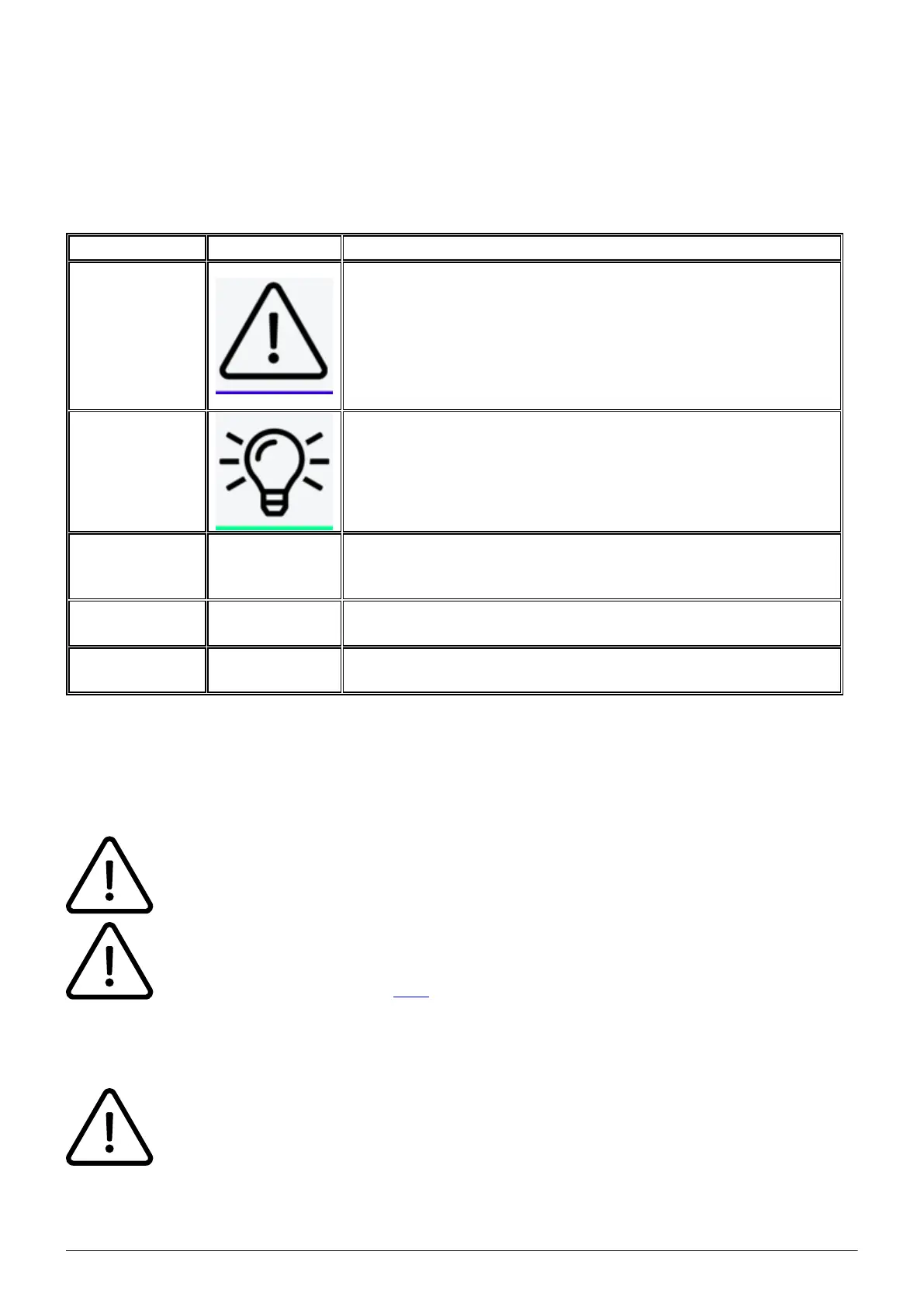
Used icons/characters
Type Icon/Character Description
NOTE
CAUTION
WARNING
NOTE: Information that is useful but not critical to the reader.
CAUTION: Tells the reader to proceed with caution.
WARNING: Stronger than CAUTION; means "don't do this"
or that this step could be irreversible, e.g., result in permanent
data loss.
TIP Useful tips that provide additional information.
Procedure
1.
2.
3.
Procedures are numbered steps to perform an action, where
the order of the steps is relevant.
Result of
procedure/action
⇒
Indicates the result of an action//procedure.
Lists
•
•
Used for listings and items where the order of steps is
irrelevant.
B. Initial operation
1. Requirements and Information
Using this snom IP telephone with your telephone system merely requires a sound
broadband connection.
Please note: Telephones with the firmware 8.9.3.x should not be downgraded to a
firmware lower than 8.7.5.44, otherwise problems may occur if you try to upgrade again.
See the manufacturer's notice here.
2. Adding an extension
All telephones you receive are preconfigured and connected to the telephone system.



 To Next Page