[2]
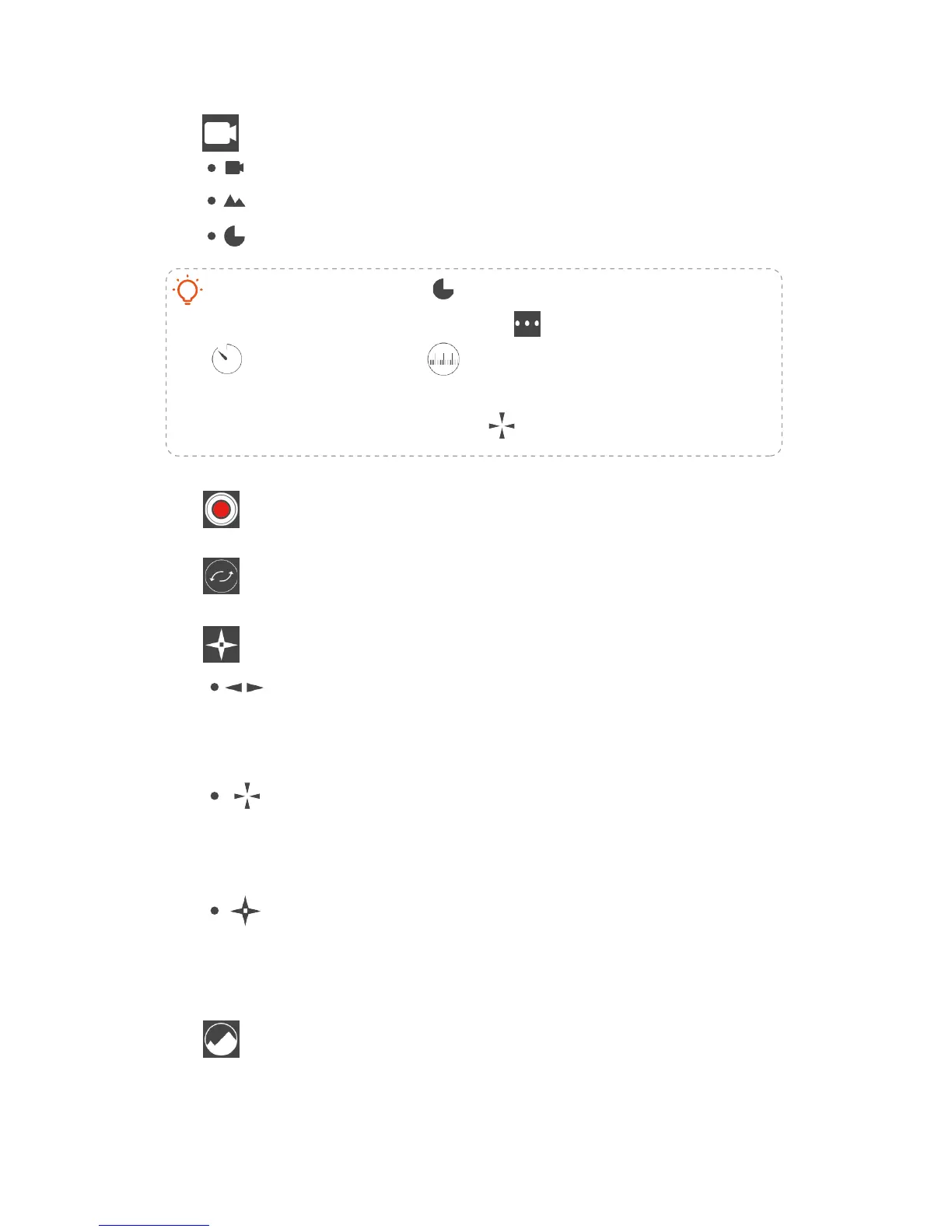
Shooting mode
video
panorama:
motion time-lapse
automatic 270
o
panoramic
[3]
Start/stop recording
[4]
Switch front/back camera
[5]
Tracking mode
pan track:
Roll and tilt are locked, pan camera by moving
the grip left & right.
lock
Roll, tilt and pan are all locked, shoot in a fixed
direction no matter how the grip moves
omni track:
Roll is locked, pan and tilt camera by moving
the grip up & down, left & right.
[6]
Gallary
Videos and images will be automaticly saved into
Gallary. User can highlight videos by star level, and
save to system photo album.
In the time-lapse mode
there are extra settings including
If rotation is needed for time-lapse shooting, please set the
tracking mode to LOCK mode
interval setting
rotation magnitude setting


 To Next Page