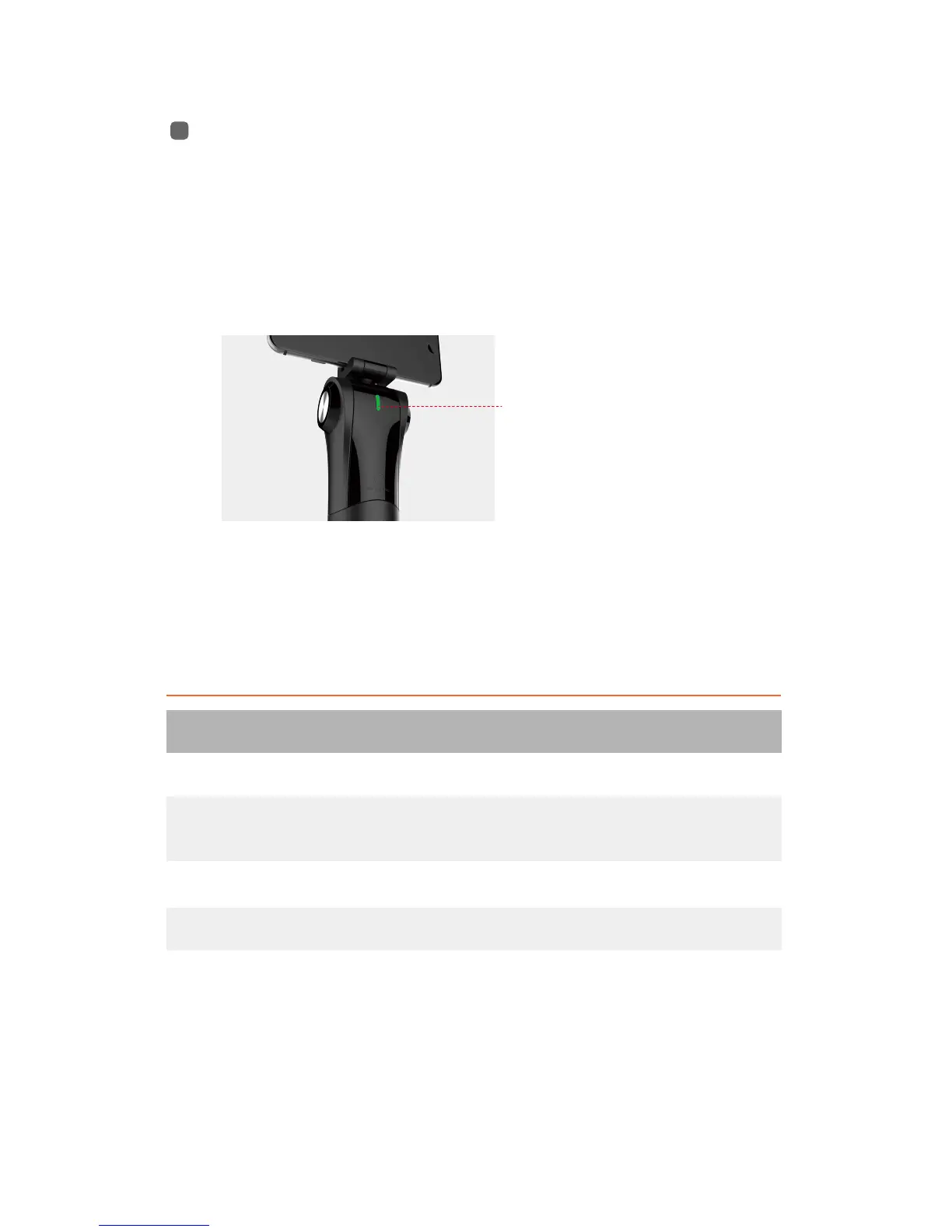
Indicator Light / Function Button
The indicator light underneath the phone holder is also a
function button.
Operation
Button Operation
press + press & hold for 2 sec
Discreption
turn off M1
turn on M1
switch tracking modes
/reactivate bluetooth
press one time
press & hold for 2 sec
Press & hold for 10 sec Reset Bluetooth
Indicator light/
Function button
(Using without App)
Pressing the indicator button is invalid when the
stabilizer is connected by Snoppa App.


 To Next Page