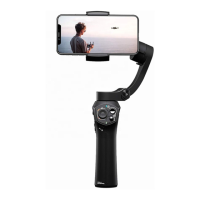
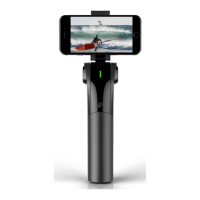
USE SNOPPA M1
Power On and Power O
The M1 can work with or without Snoppa App
When using the device without the Snoppa app you
can directly power on the stabilizer through the
indicator button, change tracking modes, and use a
third party camera app (or stock camera app).
When using the Snoppa app, the M1 will need to be
connected to the smartphone through Bluetooth,
and can be controlled by the Snoppa app. With the
app you have more special shooting features like
panorama photography or motion time-lapse etc.
Notice: Please avoid starting the gimbal without a
phone mounted on the holder. This may cause issues
for the gimbal.


 To Next Page