Page 14 A38E Work Platform
Section
3.3
Operation
3.2 Controls and Indicators
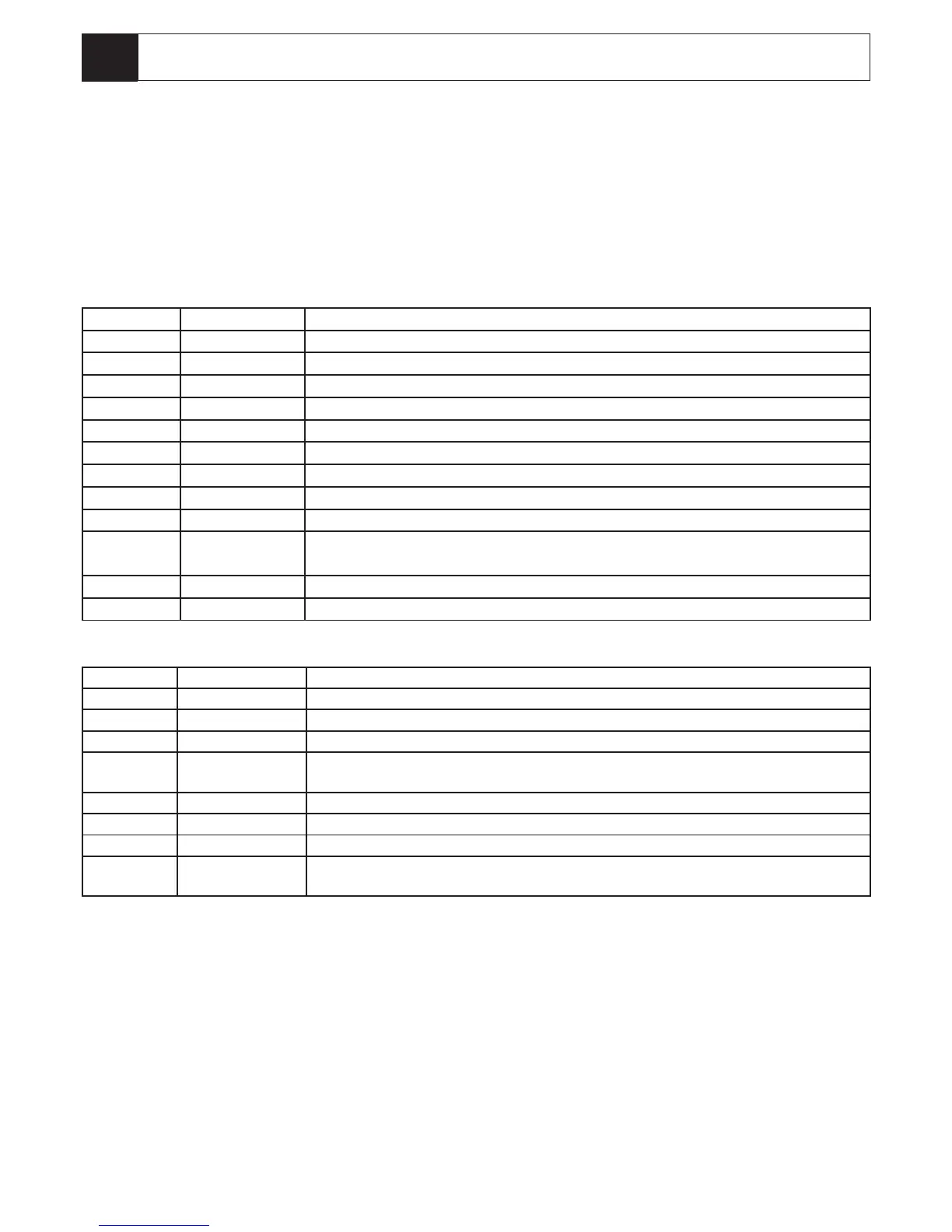
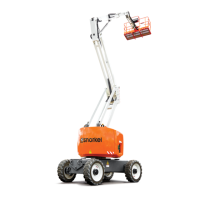
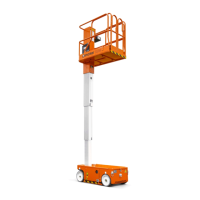
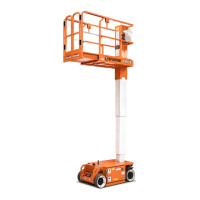
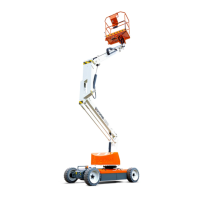
The controls and indicators for operation of the A38E Work Platform are shown in Figures 3-1 & 3-2. The name
and function of each control and indicator are listed in Tables 3-1. The index numbers in the gure correspond
to the index numbers in the table. The operator should know the location of each control and indicator and
have a thorough knowledge of the function and operation of each before attempting to operate the unit.
Table 3-1: Controls and Indicators
Platform Controller*
INDEX NO. NAME FUNCTION
1 Emergency Stop Cuts all Platform control functions when pushed, twist to release.
2 Platform Level Operate switch and hold while using joystick to level the platform.
3 Upper Boom Operate switch to engage Upper Boom lift functions (Up & Down)
4 Low Boom Operate switch to engage Lower Boom lift functions (Up & Down)
5 Drive Operate switch to engage Drive functions (Forward & Reverse)
6 Horn Operate switch and hold to sound the horn.
7 Slew (Rotate) Operate switch to engage Slew functions (Clockwise & Counter Clockwise)
8 Warning Lamp Low battery warning lamp
9 Telescope Operate switch to engage Telescope functions (Extend & Retract)
10 Joystick Depress deadman switch and select joystick forward or reverse to enable a selected
function.
11 Warning Lamp Overload warning lamp (CE Machines only)
12 Platform Rotate Operate switch to engage platform rotate function (Clockwise & Counter Clockwise)
Chassis Control
INDEX NO. NAME FUNCTION
1 Emergency Stop Cuts all machine functions
2 Upper Boom Operate switch and hold to engage and enable Upper Boom lift functions (up & down)
3 Lower Boom Operate switch and hold to engage and enable Lower Boom lift functions (up & down)
4 Slew (Rotate) Operate switch and hold to engage and enable Slew functions (clockwise & counter
Clockwise.
5 Telescope Operate switch and hold to engage and enable Telescope functions (extend & retract)
6 Key Switch Turns the machine OFF/ON and selects Platform or Chassis controls
7 Rocker Switch Use with “enable” switches to activate the selected function
8 Display In normal operation displays battery life and hour run. Can also be used to display
diagnostics.


 To Next Page