Cellular Device Training Manual
9
Device Acvaon and Client Enrollment
Step 4
Waiting for Device response
Device is ready for use
Once the Activation and Client Information have been accurately entered, the Soberlink Device will display
a “Successfully Activated” message.
On the Monitoring Web Portal the User will see a green check mark, indicating that the Device has been
successfully activated and is ready for use.
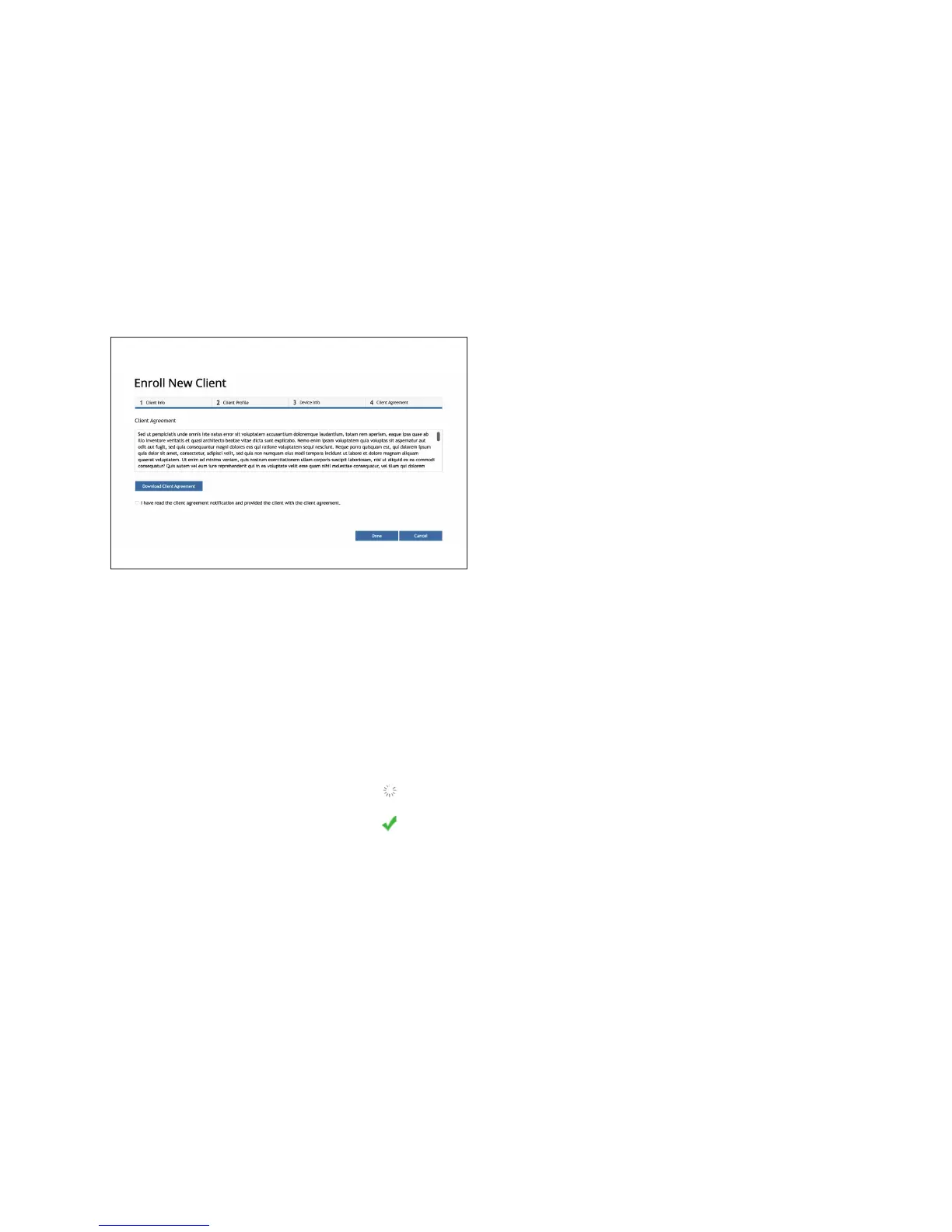
In the 4th and nal step of the Enrollment process,
the User will be asked to deliver Soberlink’s Client
Agreement to the Client.
Once the User has done this, they may check the box
conrming that they have acted in accordance with
this policy.
Then click “Done” to nish enrolling the Client.


 To Next Page