Cellular Device Training Manual
7
1. Press the Power button on the Soberlink Device and log in to the Monitoring Web Portal.
Device Acvaon and Client Enrollment
U.S. Patent No. 8,381,573
210004BF
Device ID
93%
4. Click the “Enroll New Client” button
on the Monitoring Web Portal.
2. On the Soberlink Device, select Start with the
left display button.
3. The Device will display the Device ID and
Security PIN, and begin checking for activation
on the Monitoring Web Portal.
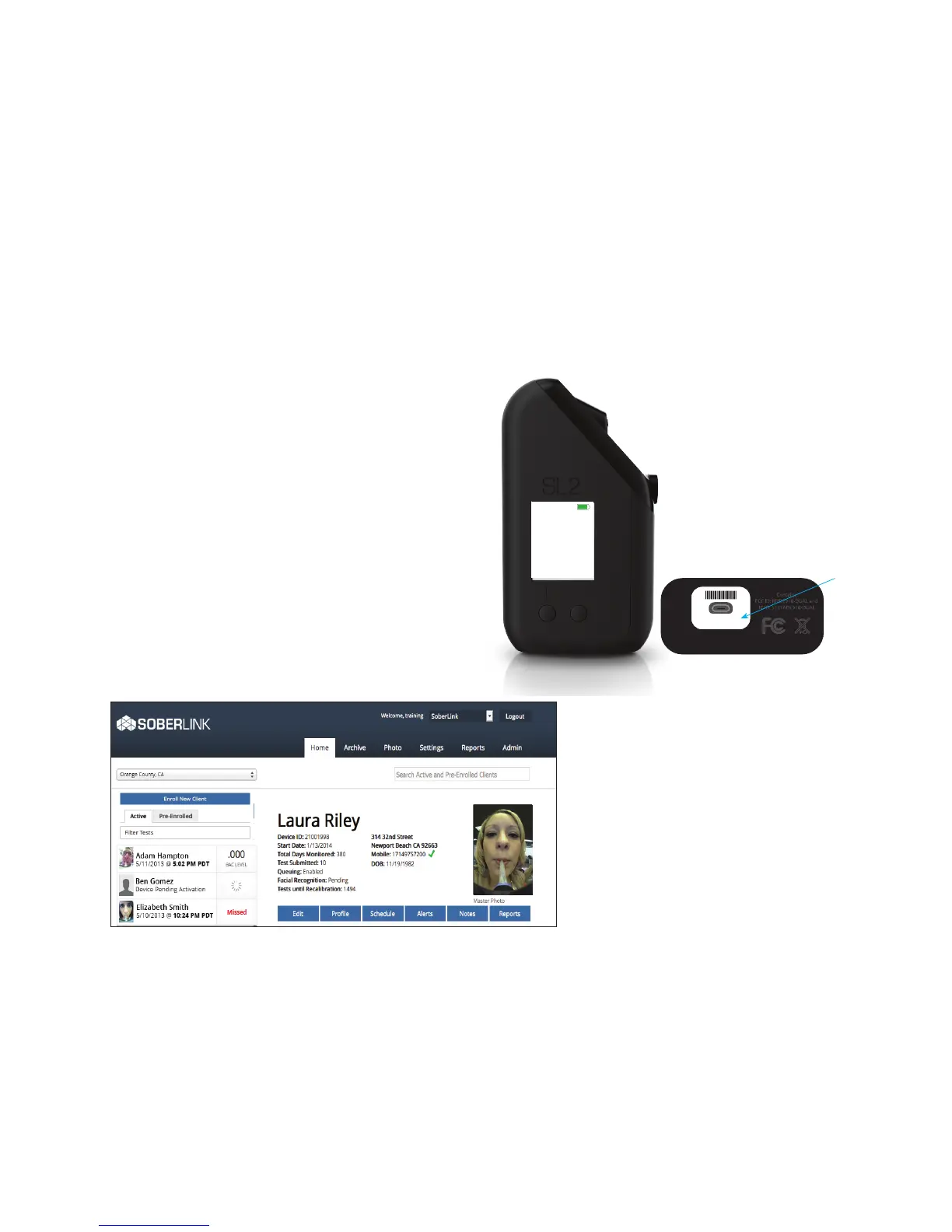
Note: The Device ID is also displayed on the
bottom of the Device where the micro
USB port is located.


 To Next Page