Cellular Device Training Manual
3
User Acvaon
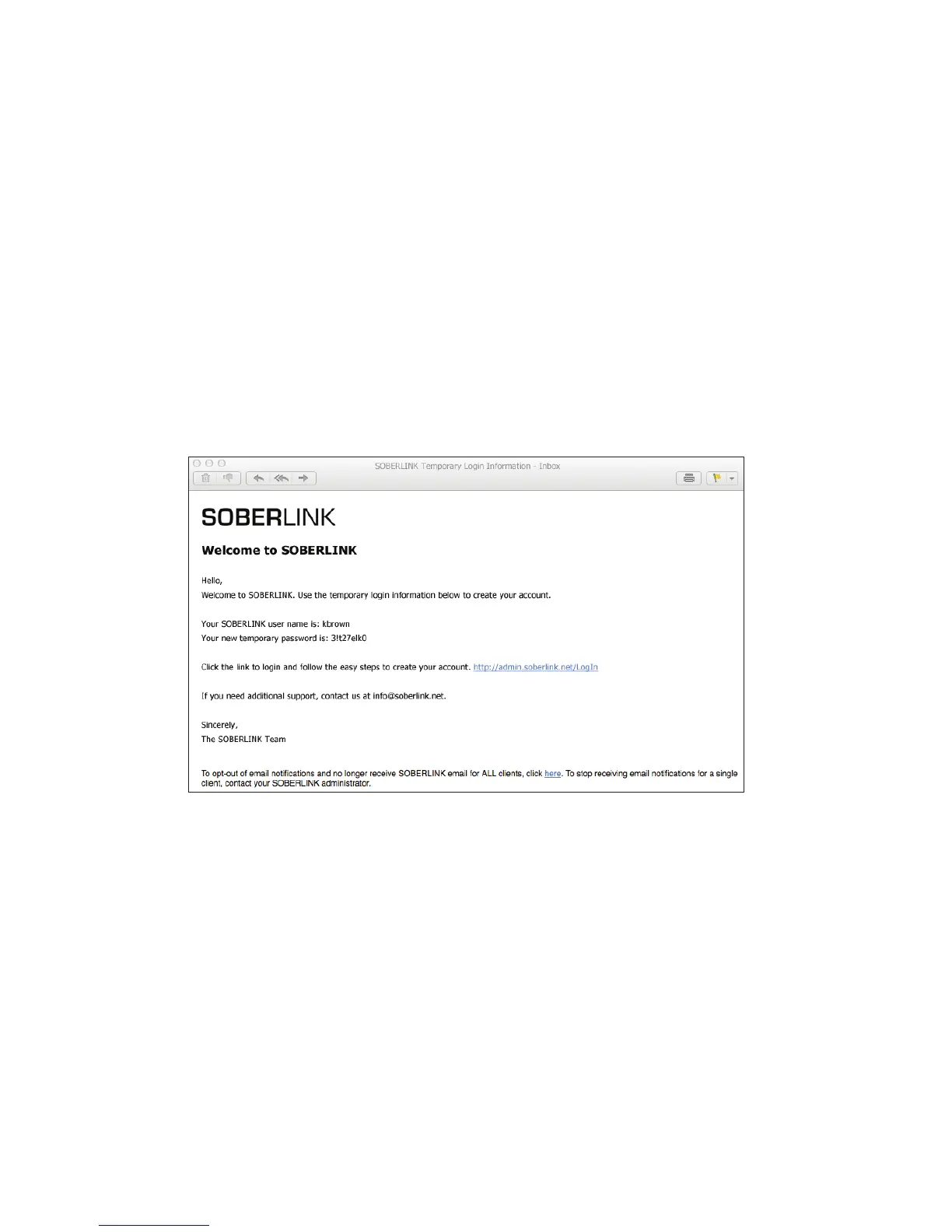
Soberlink will provide temporary login information and grant Admin access for rst-time Users on the Monitoring Web
Portal. After updating the login credentials, the Admin will be able to create new Users from the Admin Tab.
If the User’s email address is not yet conrmed in the Soberlink system, they will receive an Opt-In email.
Note: The User must conrm the email address in order to receive any further communication from Soberlink.
A “Welcome to Soberlink” message and temporary login will be sent to the User’s conrmed email address.
The User will click the link within the email and use the provided temporary login information to access their account
on the Monitoring Web Portal.


 To Next Page