5 | SETUP FOR APPLE
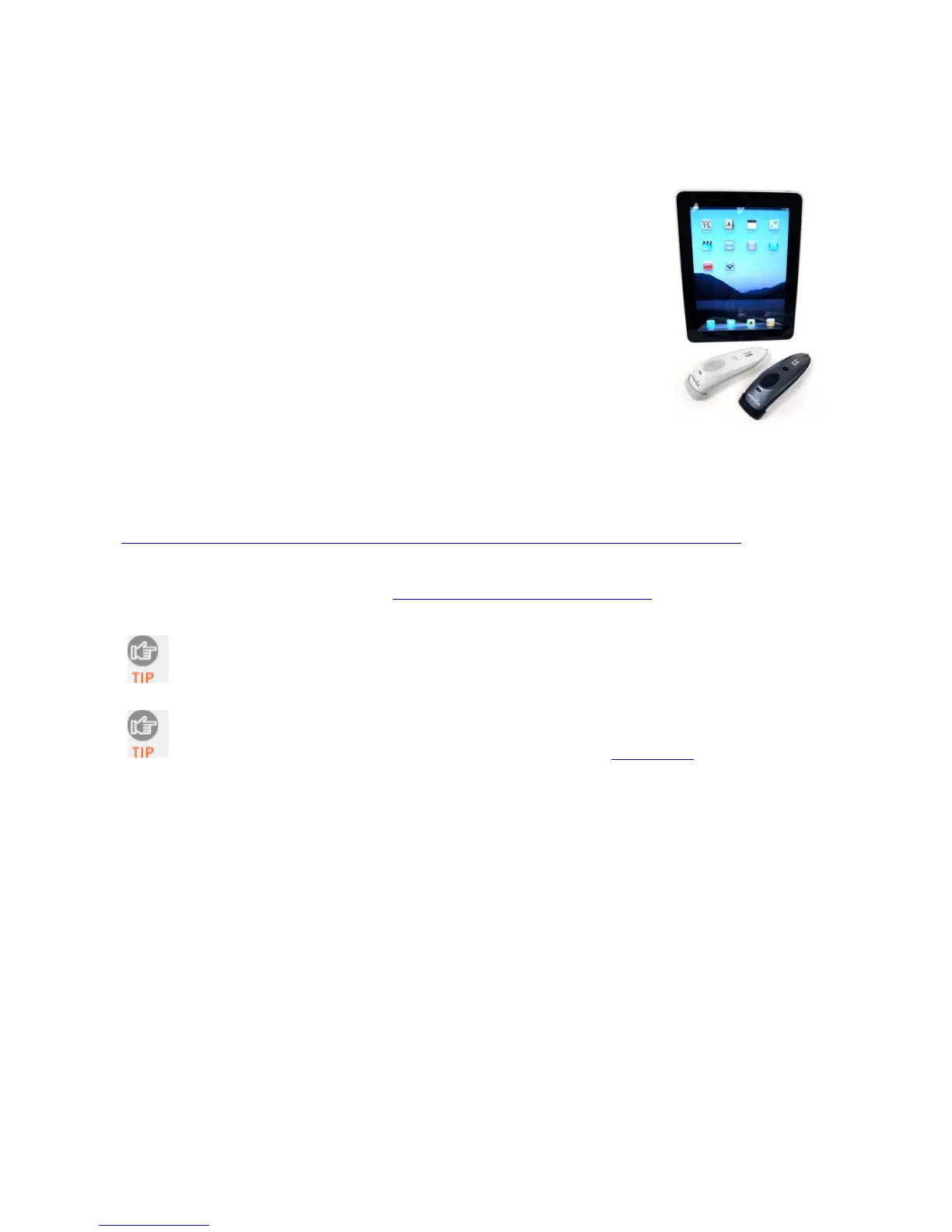
This chapter explains how to install and use laser models of the
Socket Bluetooth Cordless Hand Scanner (CHS) Series 7 (v3) with
Apple devices and computers running iOS or Mac OS.
Compatible mobile devices include:
• iPod touch (4
th
generation)
• iPod touch (3
rd
generation)
• iPhone 4
• iPhone 3GS (iPhone 3G not compatible)
• iPad 2
• iPad
Compatible Mac and MacBook computers run Mac OS X 10.4 to
10.6.6 with Bluetooth driver 2.2.4f3 (v1965) or 2.3.7f1 (latest
versions at time of testing). Other computers running Mac OS
may be compatible but have not been tested.
For the latest compatibility information, please refer to the CHS Series 7 Spec Sheet at:
http://ww1.socketmobile.com/Libraries/Documents/CHS_Series_7_Spec_Sheet.sflb.ashx
Before you begin the instructions in this chapter, make sure you have installed the batteries
and charged the CHS, as described in Chapter 2, “Hardware Preparation”
1D versions of the CHS only work in Bluetooth HID mode with compatible Apple
devices. If you would like to use Bluetooth SPP mode with an iPod touch, iPhone or
iPad, you need a 2D version of the CHS that is Apple iOS certified (7Xi or 7XiRx).
The CHS must be in HID mode for Keyboard devices to connect to an Apple
computer/device. By default, the CHS is already in this mode. If you changed the
CHS to a different mode, refer to the Command Barcodes (Appendix E
) to change it
to the correct mode.
54















 To Next Page